



















![[Case Study] Zero Dead Zones in a 20k sq ft Office! Ubiquiti UniFi WiFi 7 Network Setup](https://store.hinkwong.com/image/cache/wp/ge/blog/unifi-projects/unifi-the-center-04-800x450h.webp "[Case Study] Zero Dead Zones in a 20k sq ft Office! Ubiquiti UniFi WiFi 7 Network Setup")
This project was fully executed by Hin Kwong — Authorized Ubiquiti Reseller and Network Engineering Expert in Hong Kong. We not only supply officially authorized authentic hardware but also bring extensive experience in enterprise-grade network planning and cabling. From initial site surveys and solution design to backend Fast Roaming optimization and after-sales maintenance, our team demonstrated top-tier professional standards.
Project Background & Network Scope
- Installation Location: The Center, Central, Hong Kong
- Office Area: Approx. 20,000 square feet
- Core Requirements: 100% full WiFi coverage with absolutely zero dead zones; support for ultra-fast intranet data transmission.
- Network Architecture:
- VLAN (Virtual Local Area Network): Segmented into 3 VLANs (Management/Core Business, General Staff, and Guests) to ensure strict internal network security isolation.
- SSID (Wireless Network Name): Configured with 2 SSIDs (one fully encrypted for internal corporate use, and one for guests applying Guest Portal isolation policies).
Core Hardware Configuration & Feature Analysis
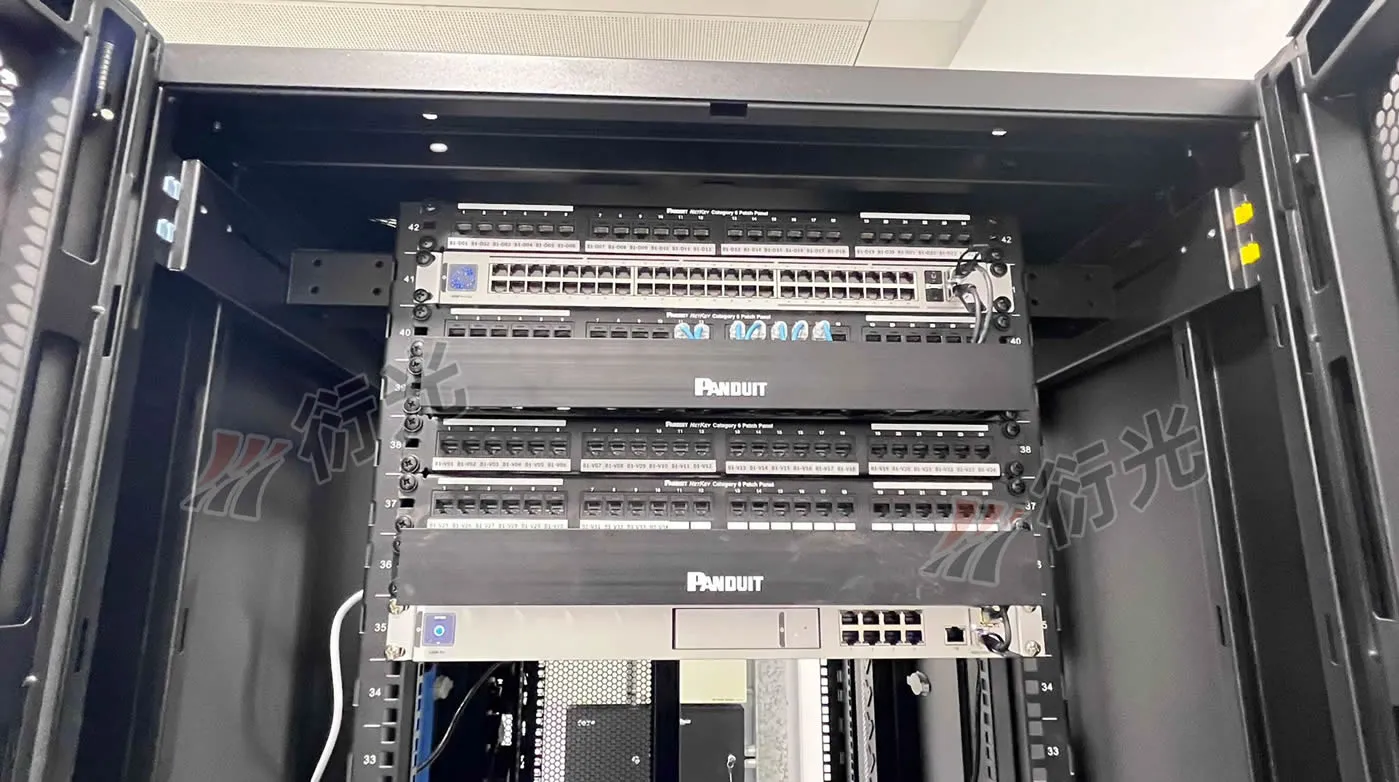
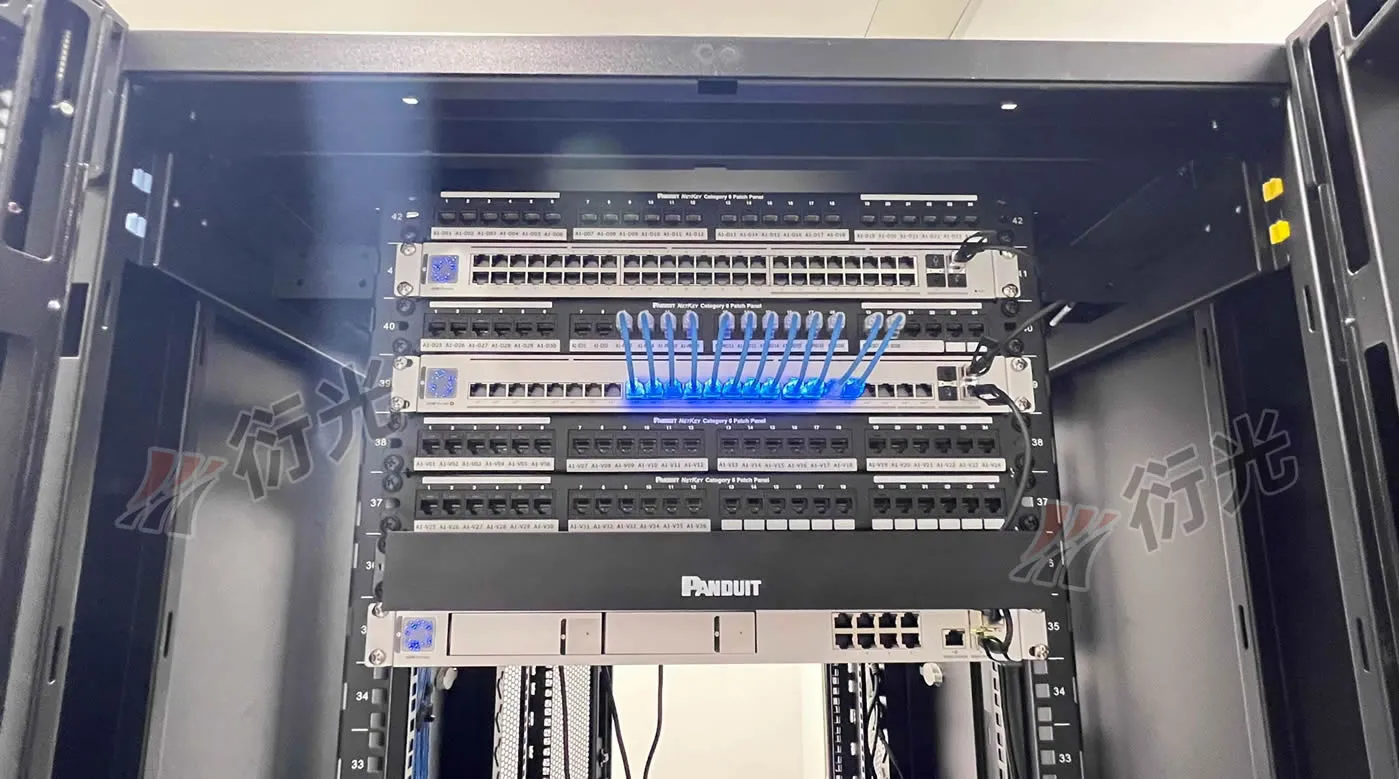
To support a 20,000 sq ft WiFi 7 network, we selected the most premium and cost-effective combination currently available in the Ubiquiti lineup. Below is an in-depth analysis of the hardware deployed by the Hin Kwong team:
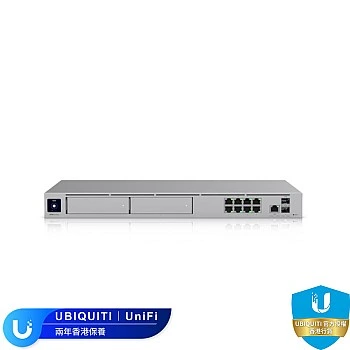
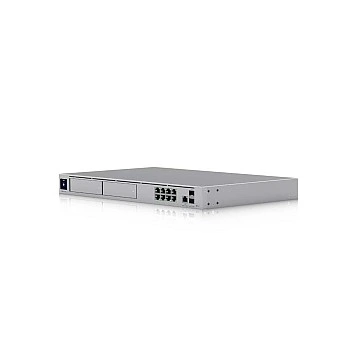
1. The Enterprise Brain: UDM-Pro-Max (x1)
Form Factor: Standard 1U rackmount design with a high-tech silver metal chassis. The front panel features a 1.3-inch LCM color touchscreen that displays real-time network status, throughput, and hardware load.
Features: As the flagship model of the UniFi Dream Machine series, the UDM-Pro-Max boasts doubled computing power. It supports Multi-WAN redundancy and 10G SFP+ fiber interfaces. Even with full IPS/IDS (Intrusion Prevention/Detection System) activated, it effortlessly delivers a routing throughput of up to 5Gbps, perfectly catering to the high-bandwidth demands of Central's commercial offices. It also includes dual HDD bays, making future expansions for the UniFi Protect surveillance system completely hassle-free.
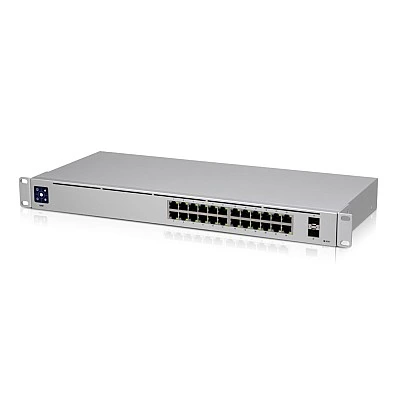
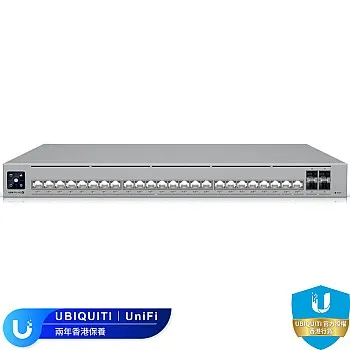
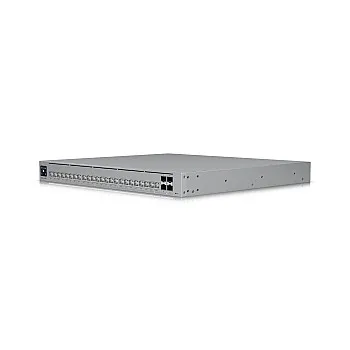
2. High-Performance Power Hub: USW-Pro-HD-24-PoE (x1)
Form Factor: Also a 1U rack size with a clean panel layout, equipped with the signature LCM mini-screen. It features excellent thermal design, ensuring low-noise operation.
Features: This high-end 24-port PoE switch is the power lifeline of the entire wireless network. It provides an abundant PoE+ and PoE++ power budget, perfectly driving the power-hungry WiFi 7 APs. With Layer 3 routing capabilities and 10G SFP+ uplinks, it guarantees that all AP data converges to the UDM-Pro-Max in a fully non-blocking manner.
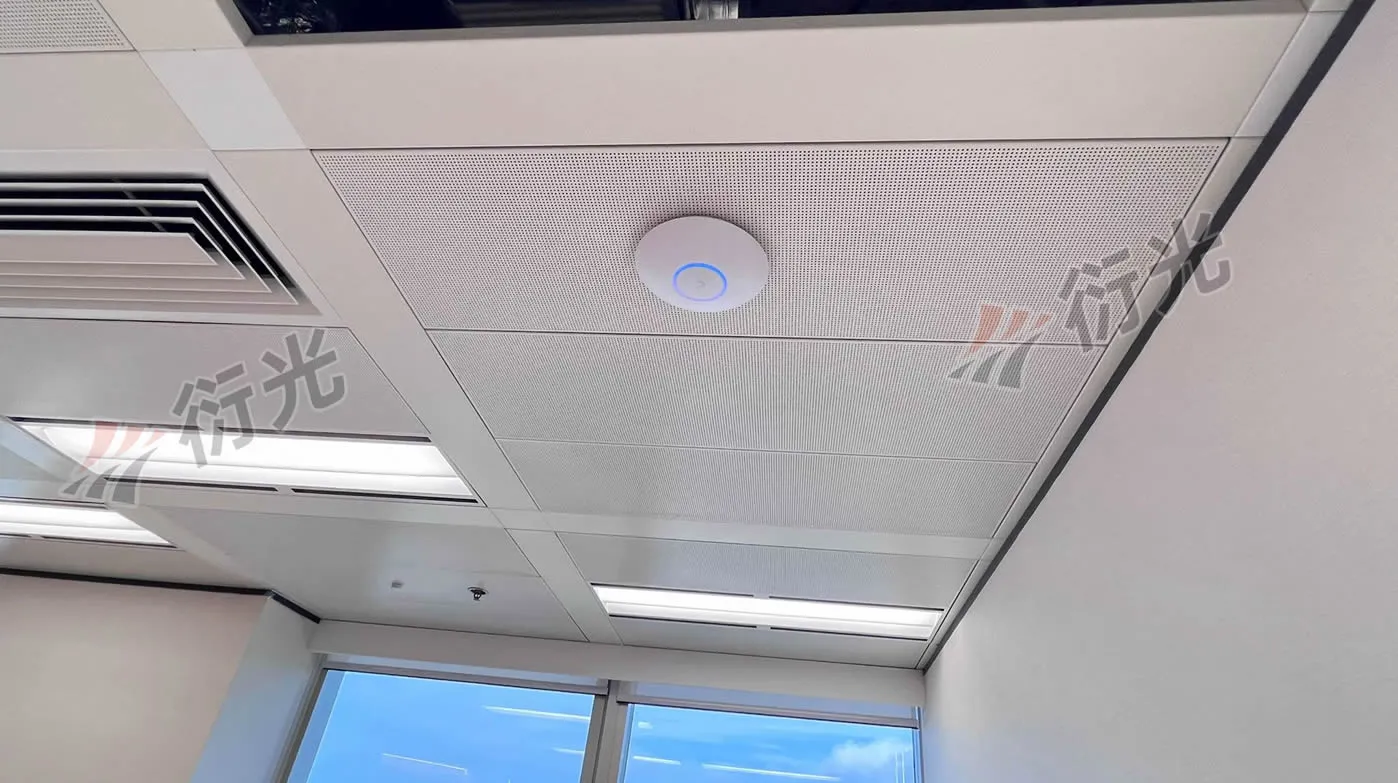
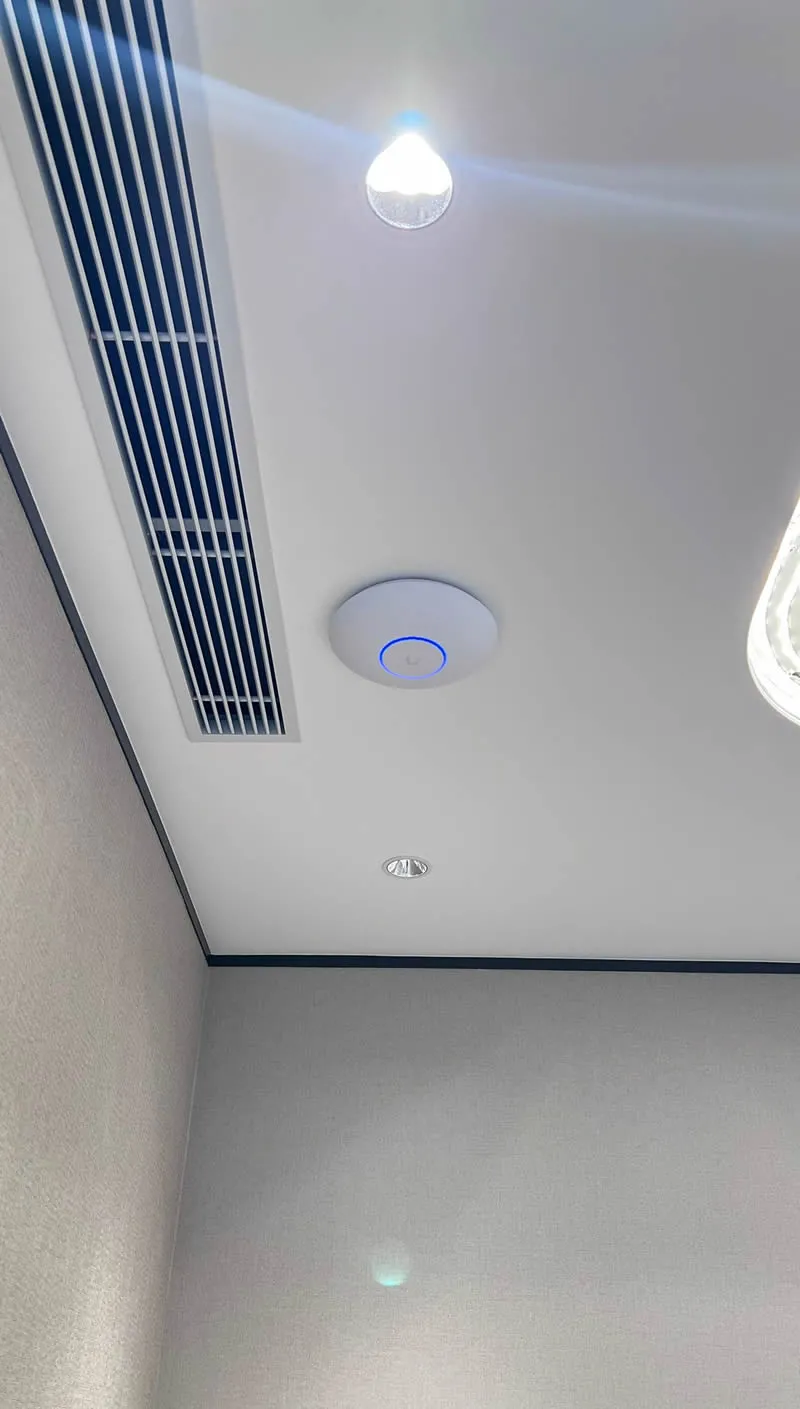
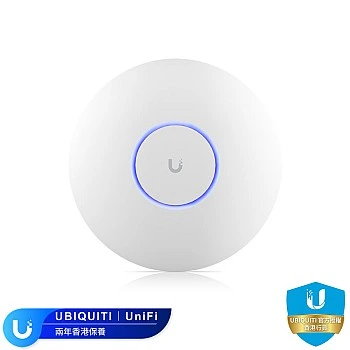
3. The WiFi 7 Speed Champions: U7-Pro (x11) & U7-LR (x1)
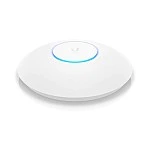
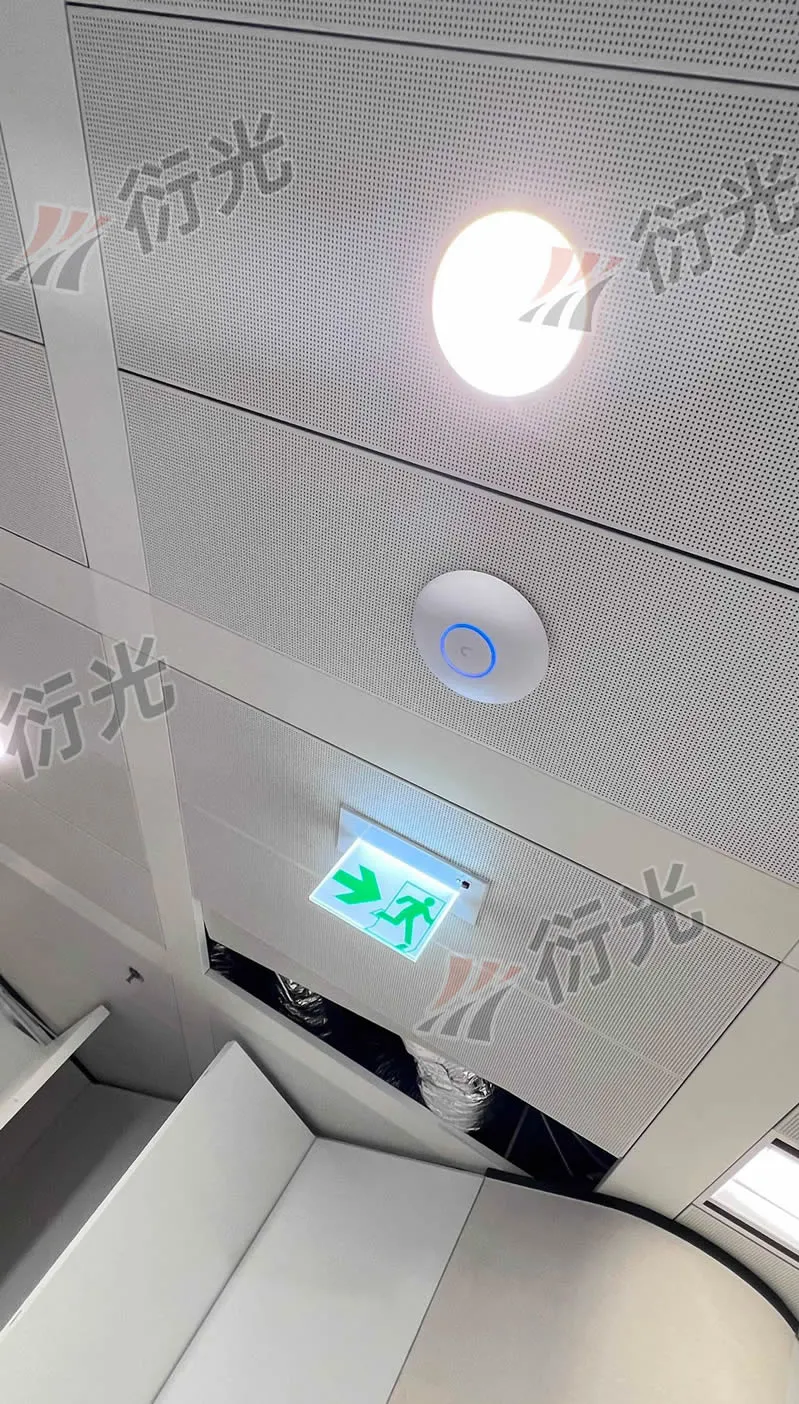
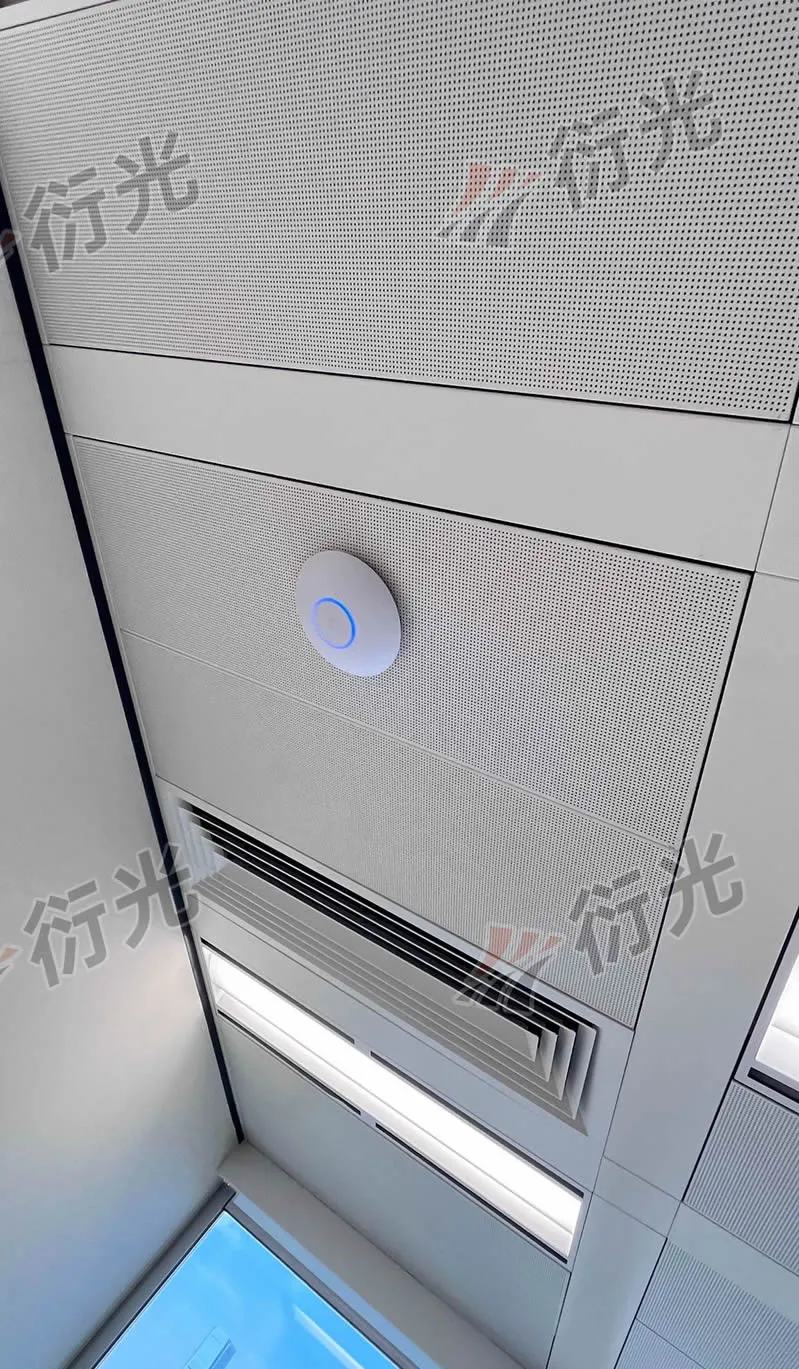
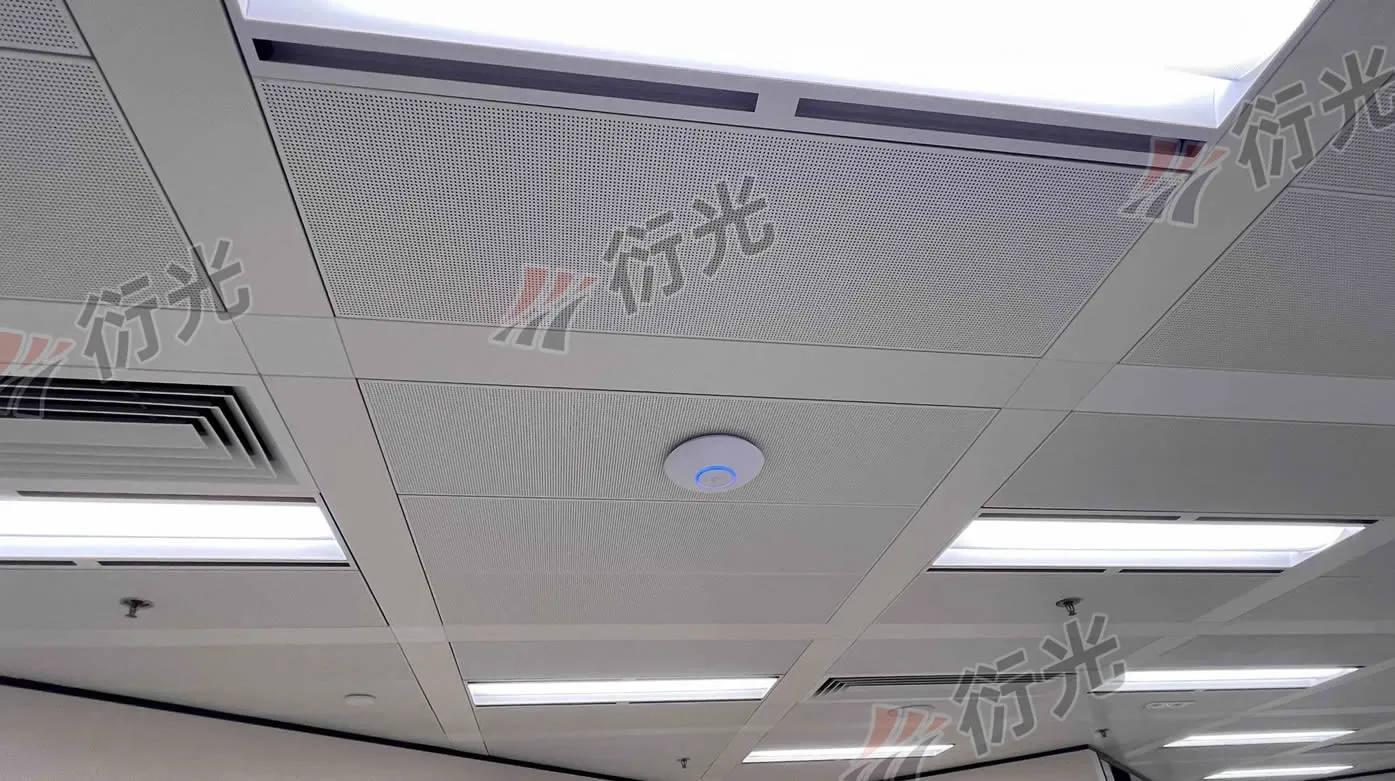
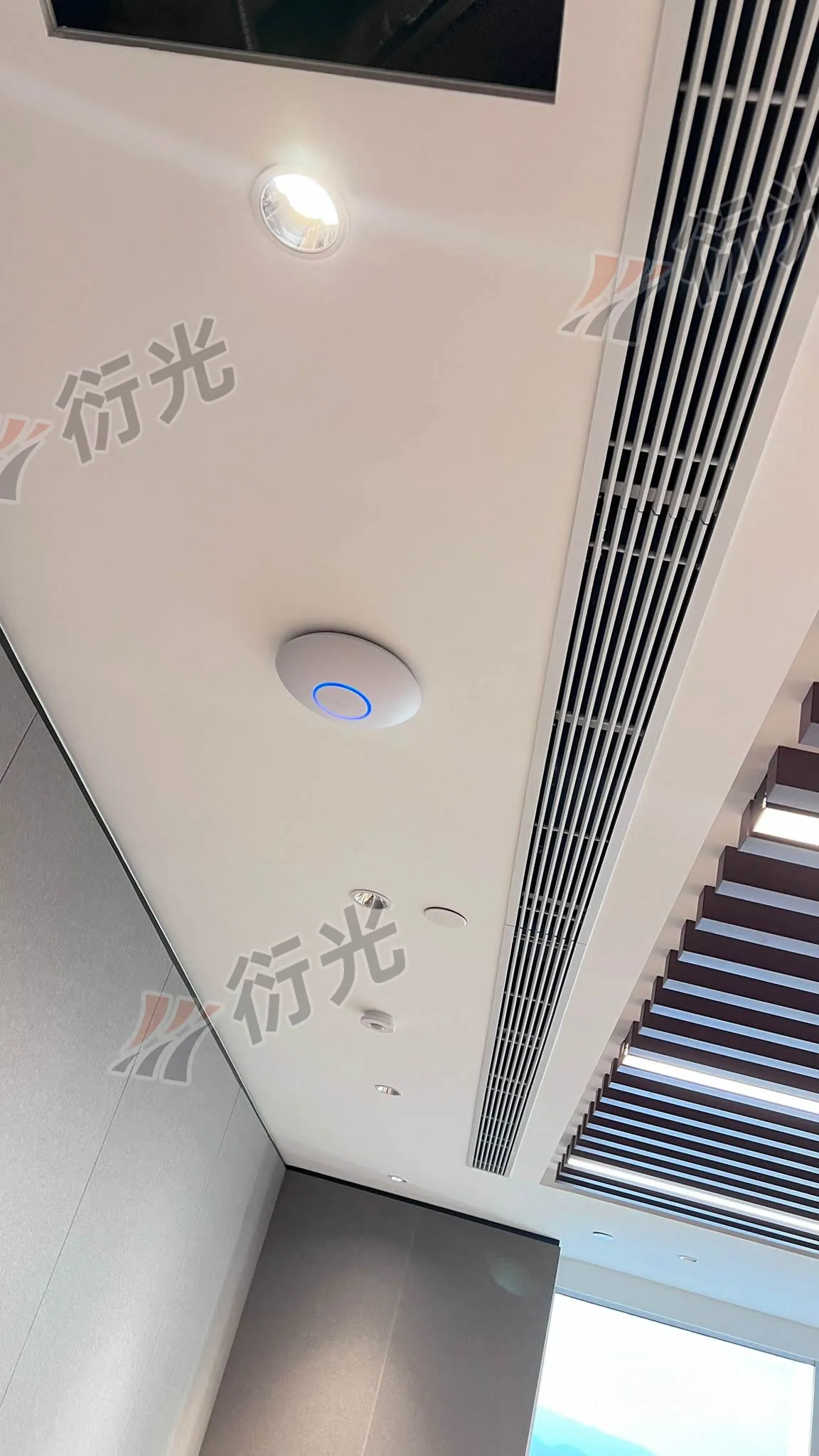
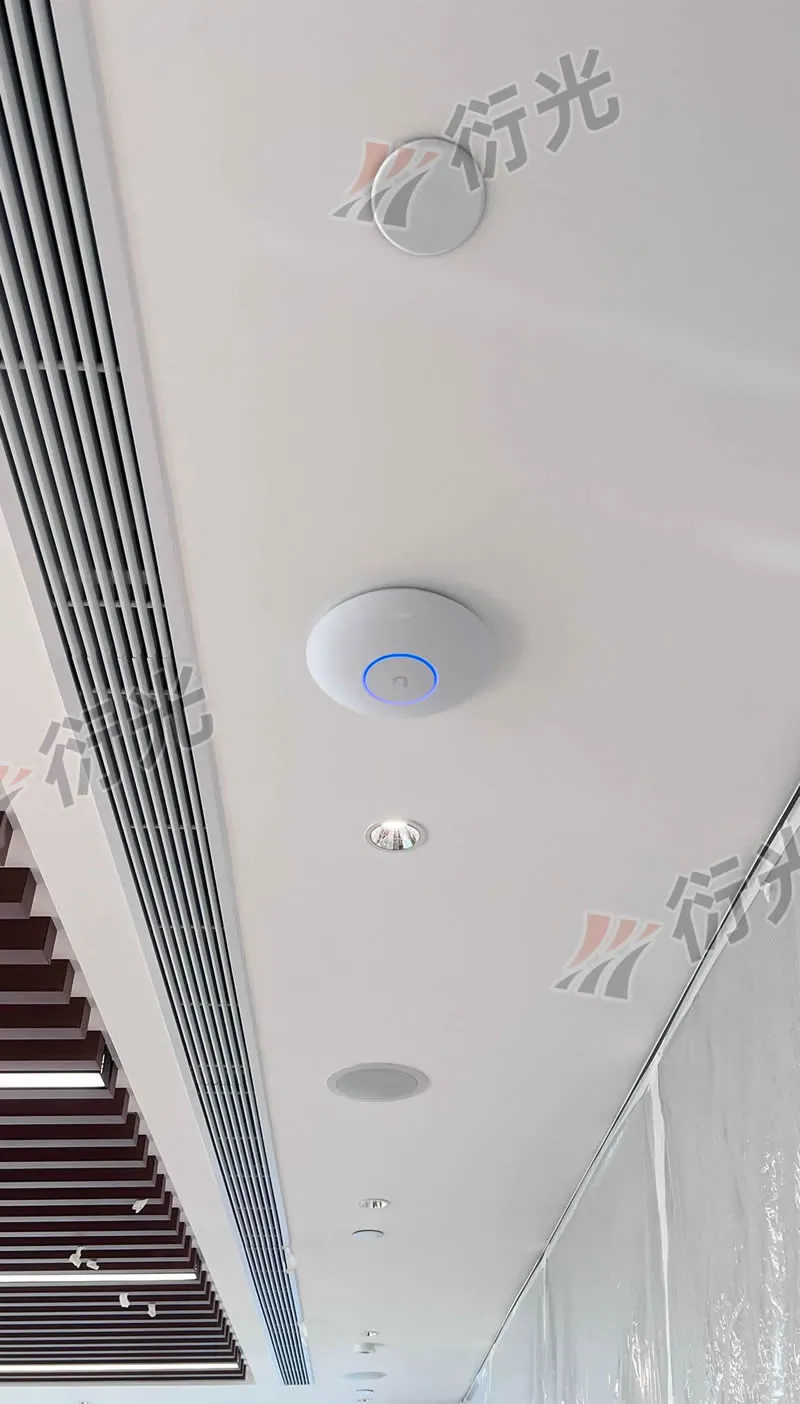
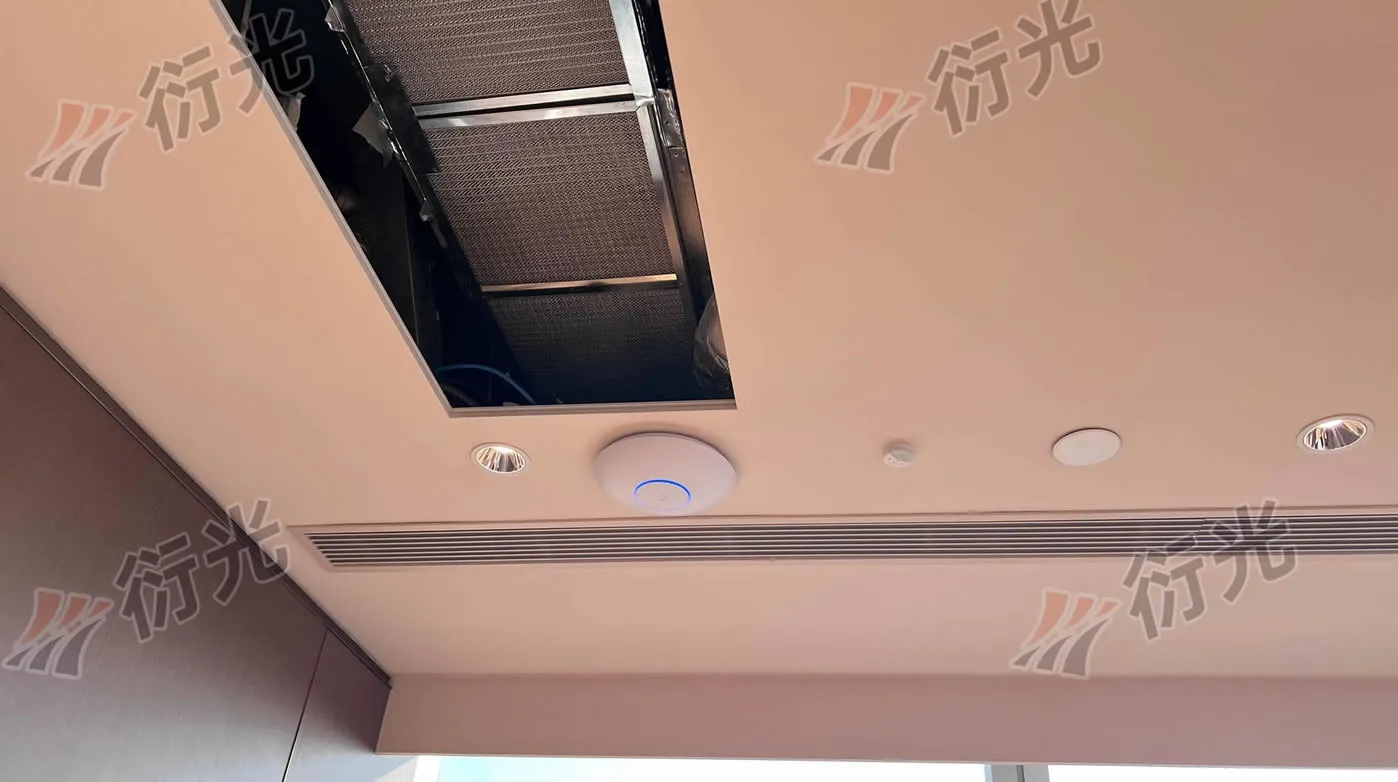
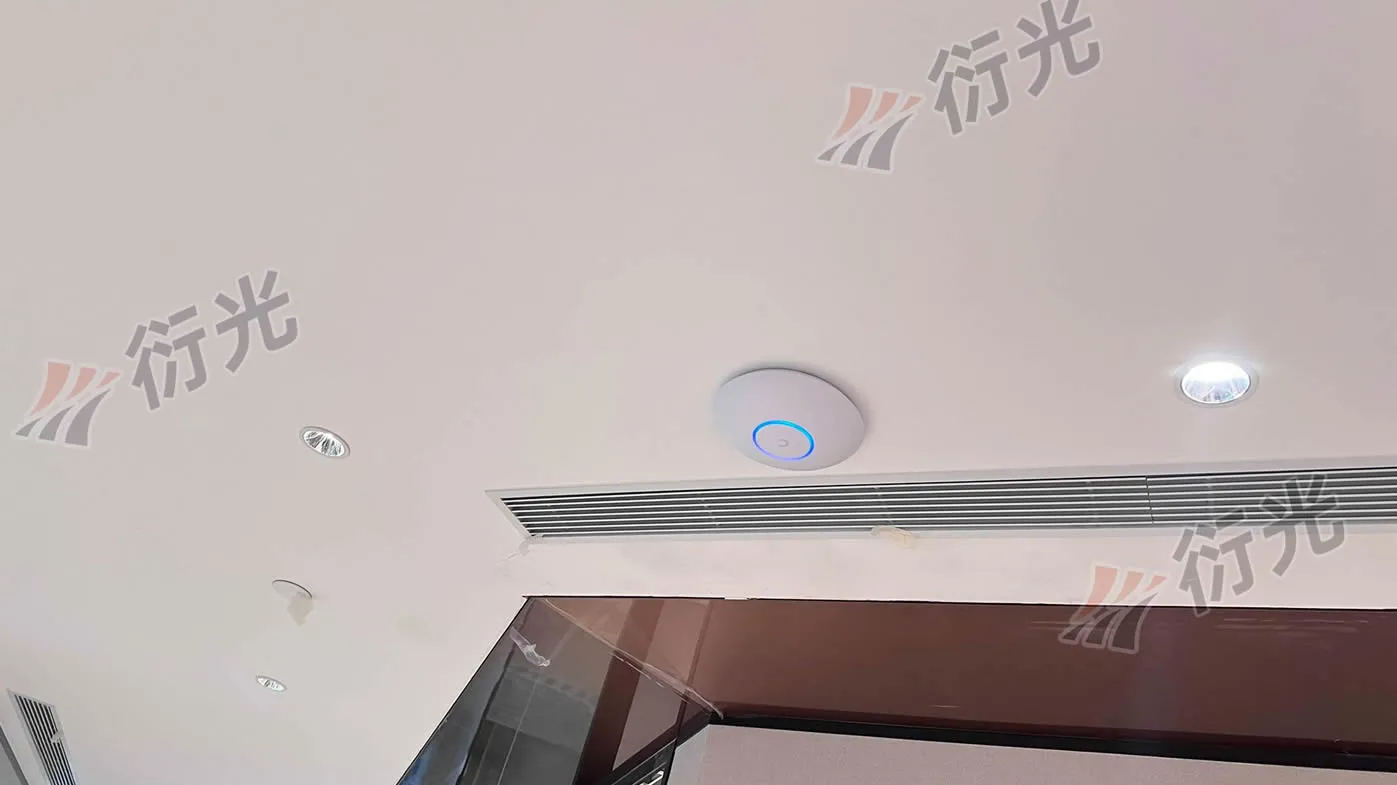
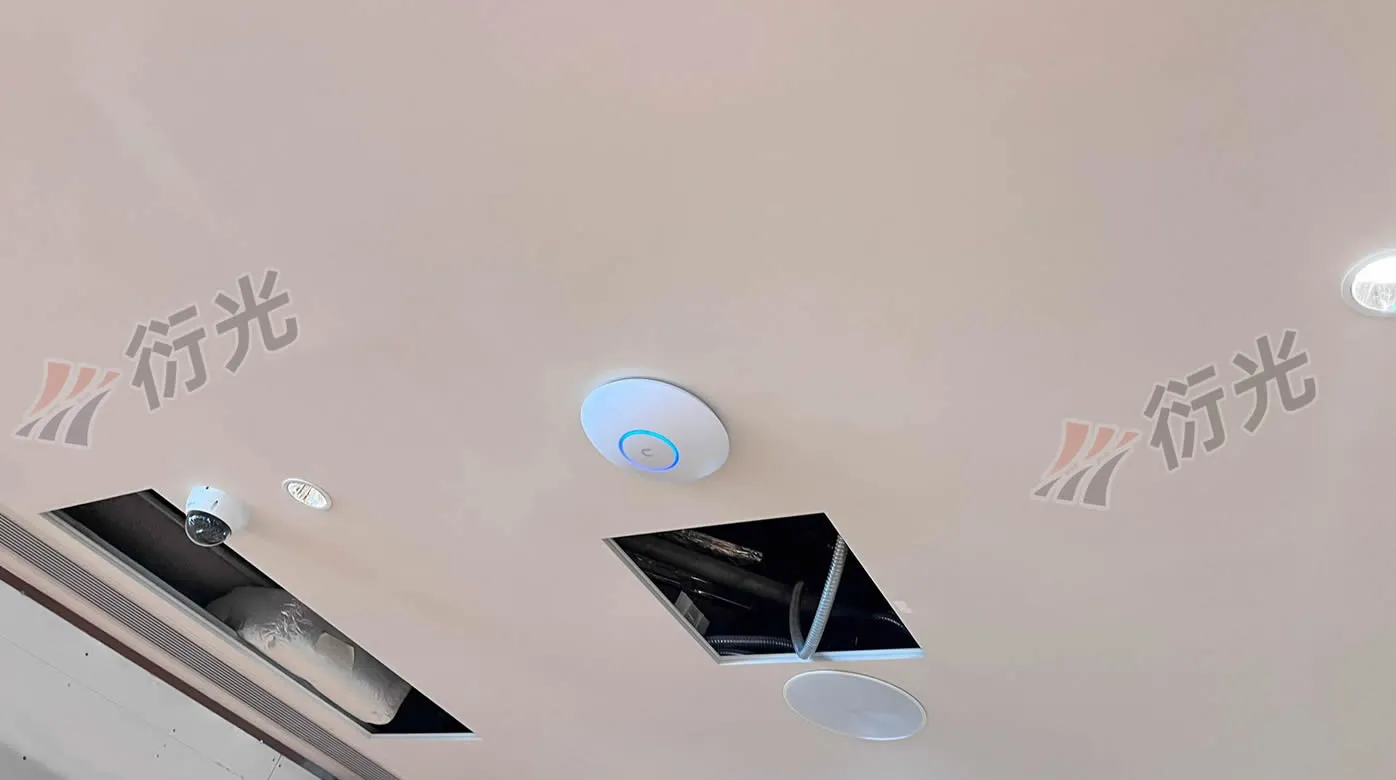
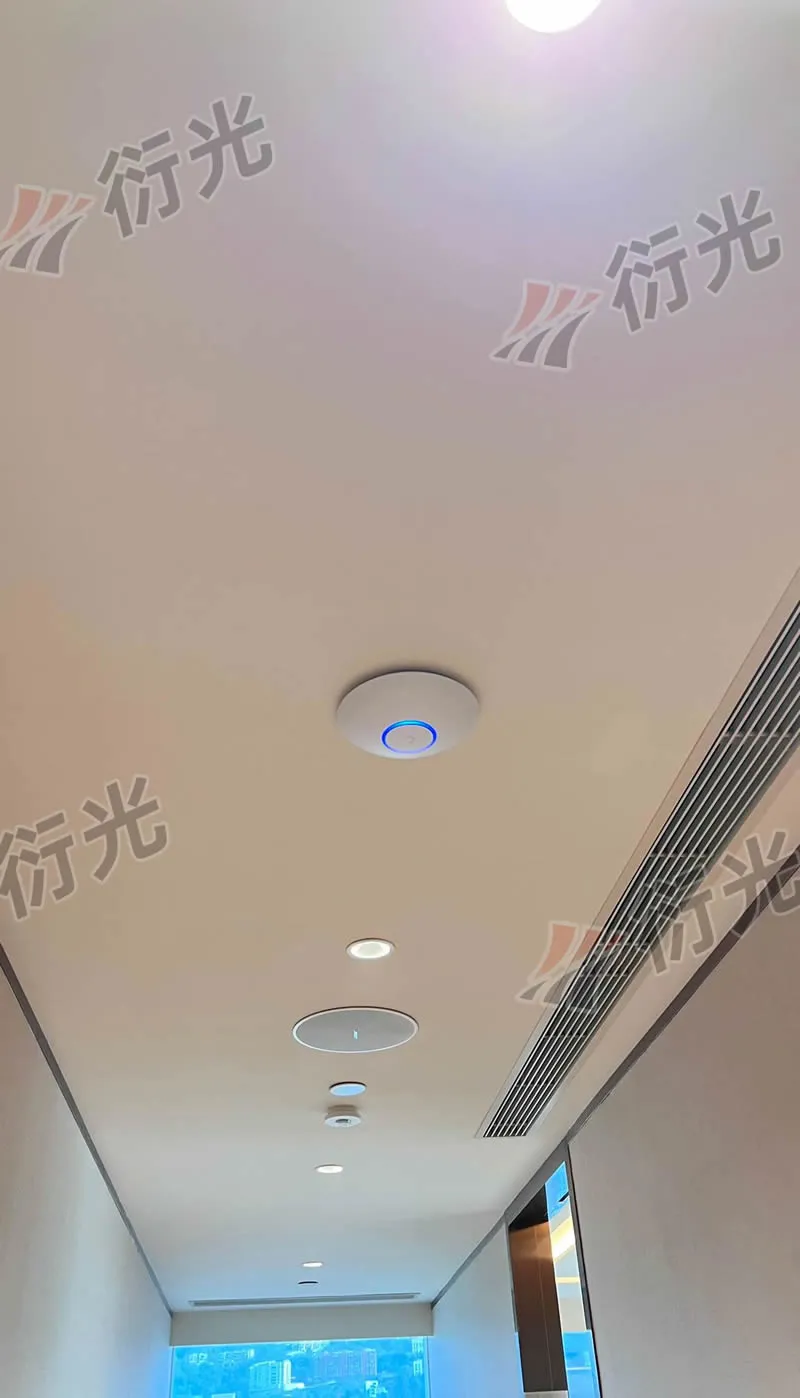
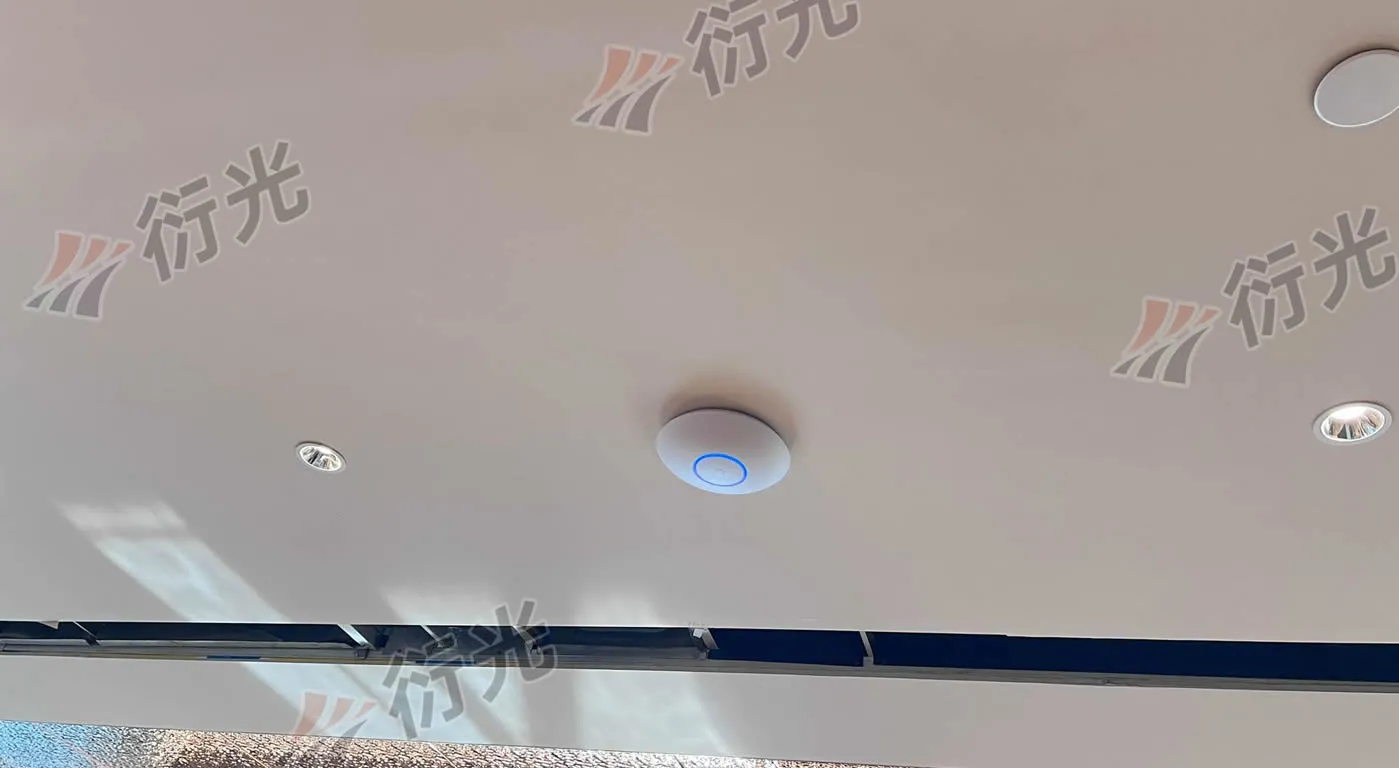
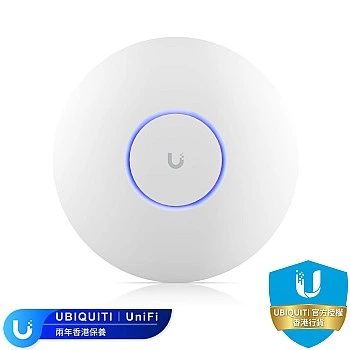
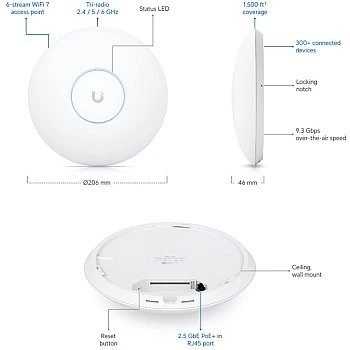
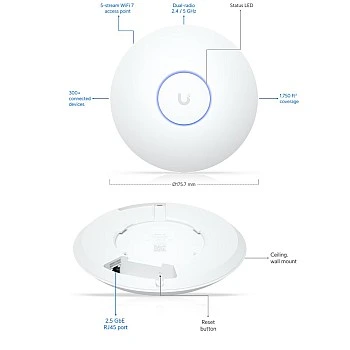
Form Factor: Continuing UniFi's classic "UFO" aesthetic—pure, minimalist white with a customizable LED ring around the edge. Mounted on the office ceiling, it blends seamlessly as part of modern interior decor without being obtrusive.
Features:
- U7-Pro (11 units): Responsible for the even coverage of the 20,000 sq ft office. Supporting the latest WiFi 7 (802.11be) protocol, it utilizes the 6GHz band to completely bypass the congested 5GHz interference. The back panel is equipped with a 2.5GbE RJ45 port, breaking the traditional 1G speed bottleneck.
- U7-LR (1 unit): LR stands for Long Range. We strategically deployed this unit in the office corners and large conference room areas with multiple partitions. By leveraging its specialized antenna design, it easily penetrates obstacles to bridge signal gaps at the edges.
4. Network Backbone Accessories
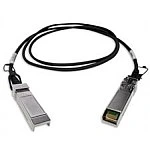
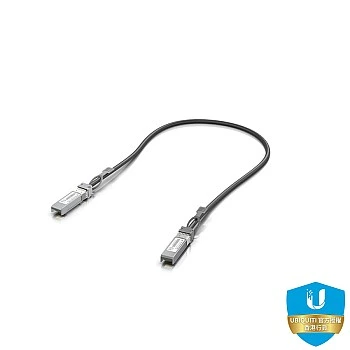
- UACC-DAC-SFP10-0.5M (x1): A 0.5-meter 10G Direct Attach Copper (DAC) cable. Used for a 10G-level connection between the UDM-Pro-Max and the USW switch, ensuring ultra-low latency.
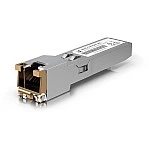
- UACC-CM-RJ45-MG (x1): 10G Multi-Gig SFP+ to RJ45 Transceiver Module. Since the client subscribed to a commercial broadband plan exceeding 1G, this module connects the ISP's RJ45 line into the UDM-Pro-Max's SFP+ WAN port to achieve a 2.5G/10G handshake.
- PC6_M-0.15M (x19): 0.15-meter ultra-short patch cables. Used for cable management inside the server rack, keeping the setup incredibly neat and strictly compliant with enterprise data center standards.
Real-World Data: Extreme Wired and Wireless Speeds
Following the installation, our engineering team conducted rigorous throughput testing. Thanks to the WiFi 7 technology and the 2.5G/10G backbone architecture, the data performance was truly astonishing.
Wired Network Speed Test
Connecting via the switch's 2.5G/10G ports, the intranet speed test stabilized at approx. 2.4Gbps, virtually maxing out the 2.5GbE hardware limits. Transferring massive files happens in a blink of an eye.
Wireless Network Speed Test (WiFi 7 Real-World Data)
We performed on-site stress tests across different distances and frequency bands:
| Frequency Band / Condition | Distance 3m (Line of Sight) | Distance 8m | Distance 15m |
|---|---|---|---|
| 6GHz (WiFi 7 Exclusive) | Approx. 2Gbps | Approx. 1.3Gbps | Approx. 1Gbps |
| 5GHz (Speed & Compatibility) | Approx. 1.5Gbps | Approx. 1Gbps | Approx. 600Mbps (Through 1 wall) |
| 2.4GHz (Edge Coverage) | Approx. 300Mbps | Approx. 200Mbps | Approx. 130Mbps (Through 1 wall) |
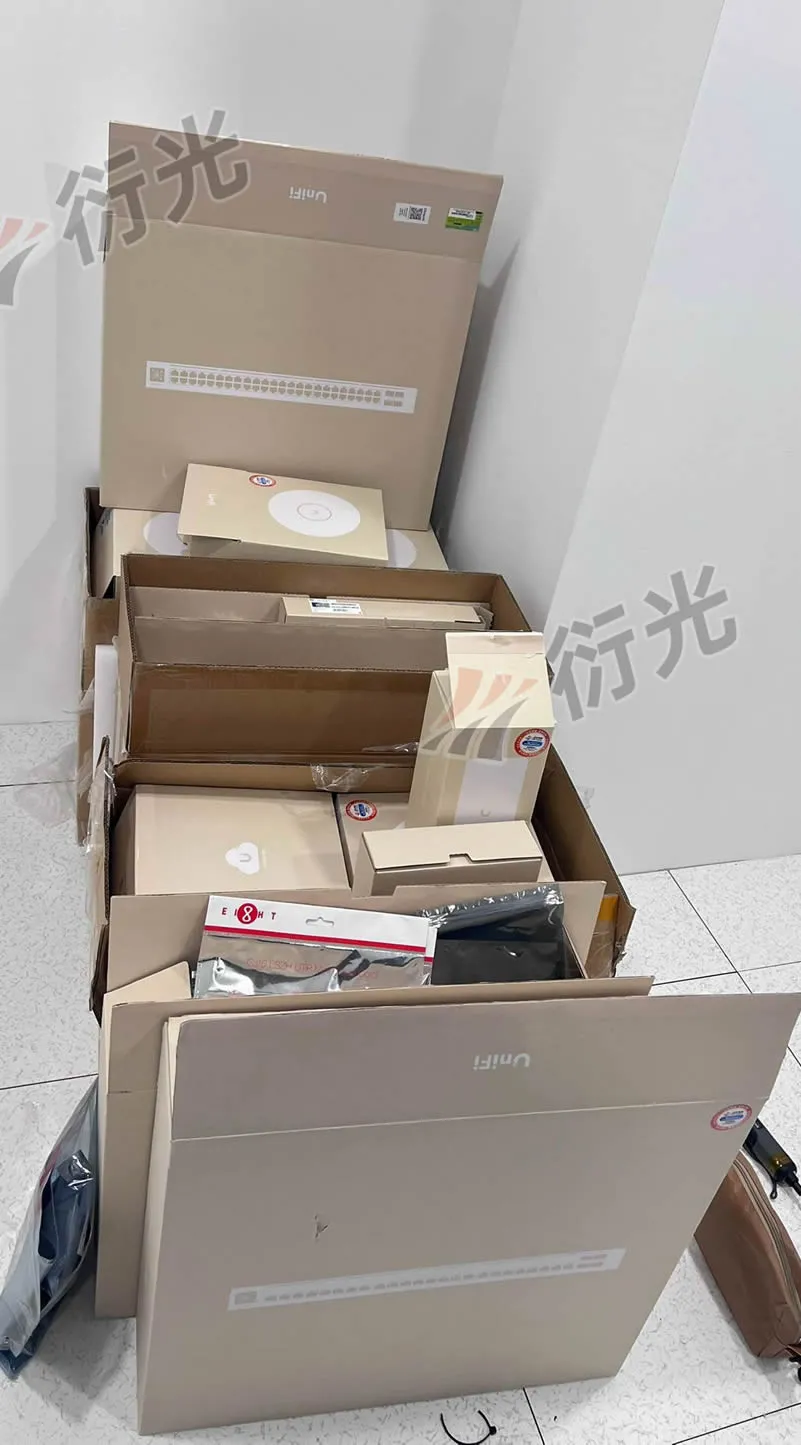
Project Gallery


Leave a comment