













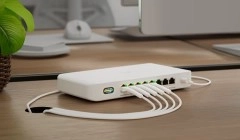




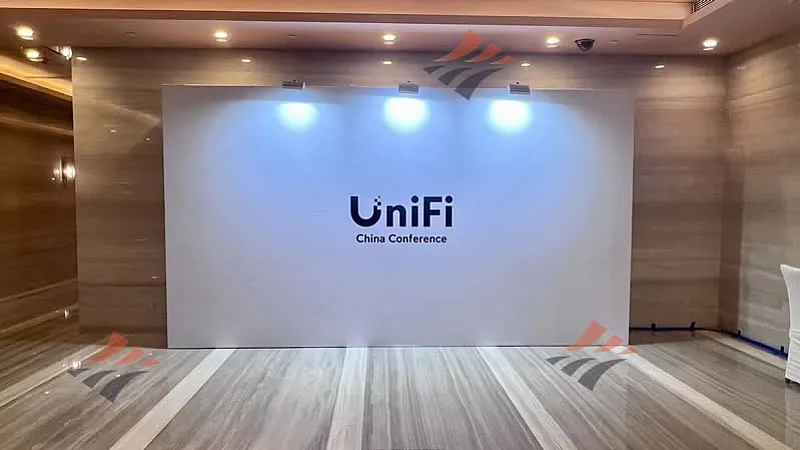
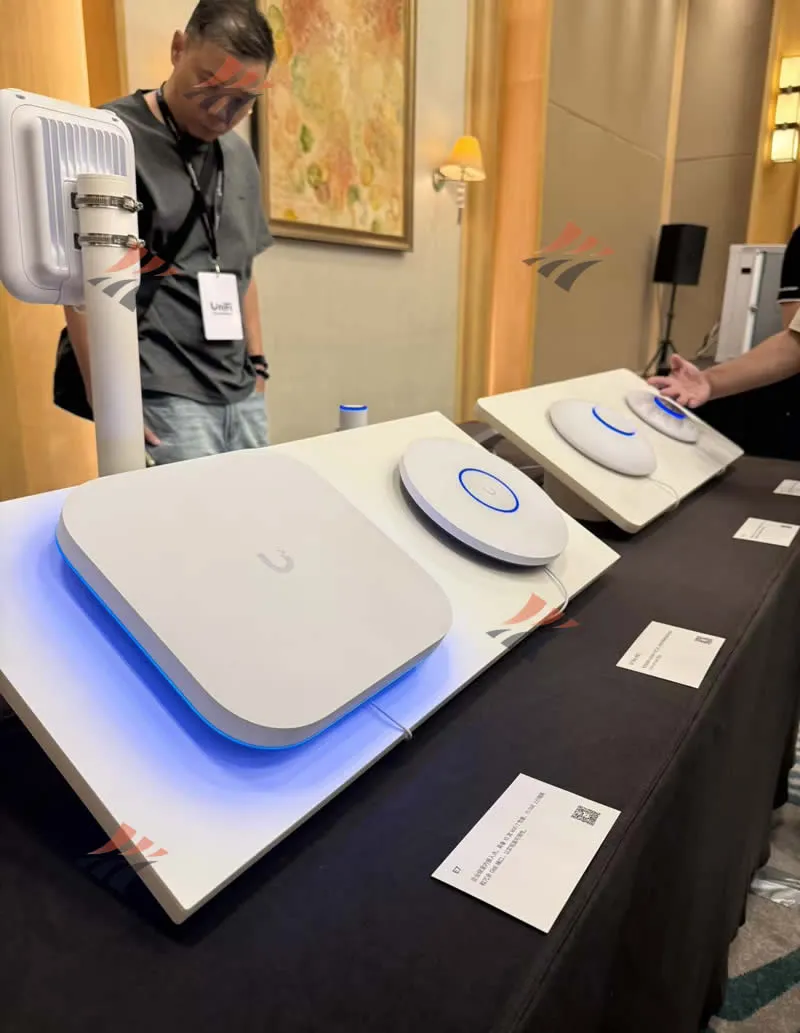
Thanks to the invitation from Ubiquiti UniFi, our team at Hin Kwong had the privilege to travel to Guangzhou to attend the UniFi 2026 China Conference. This was not just a product showcase, but a journey to rethink the boundaries of physical space, networking, and security.
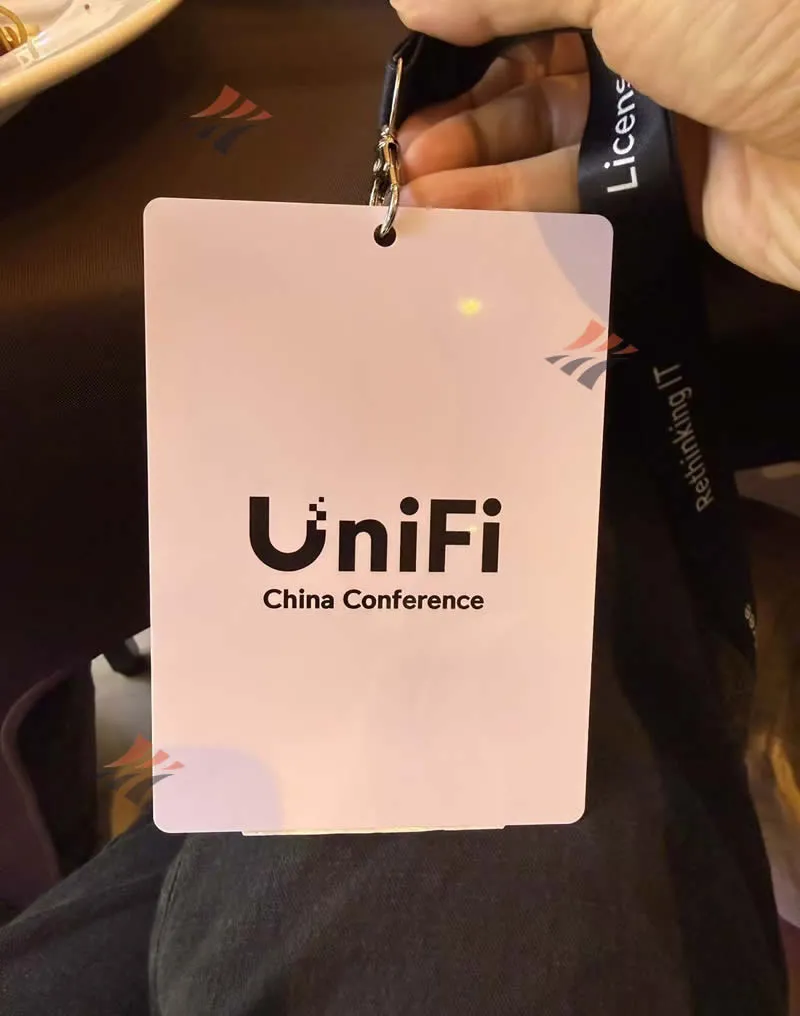
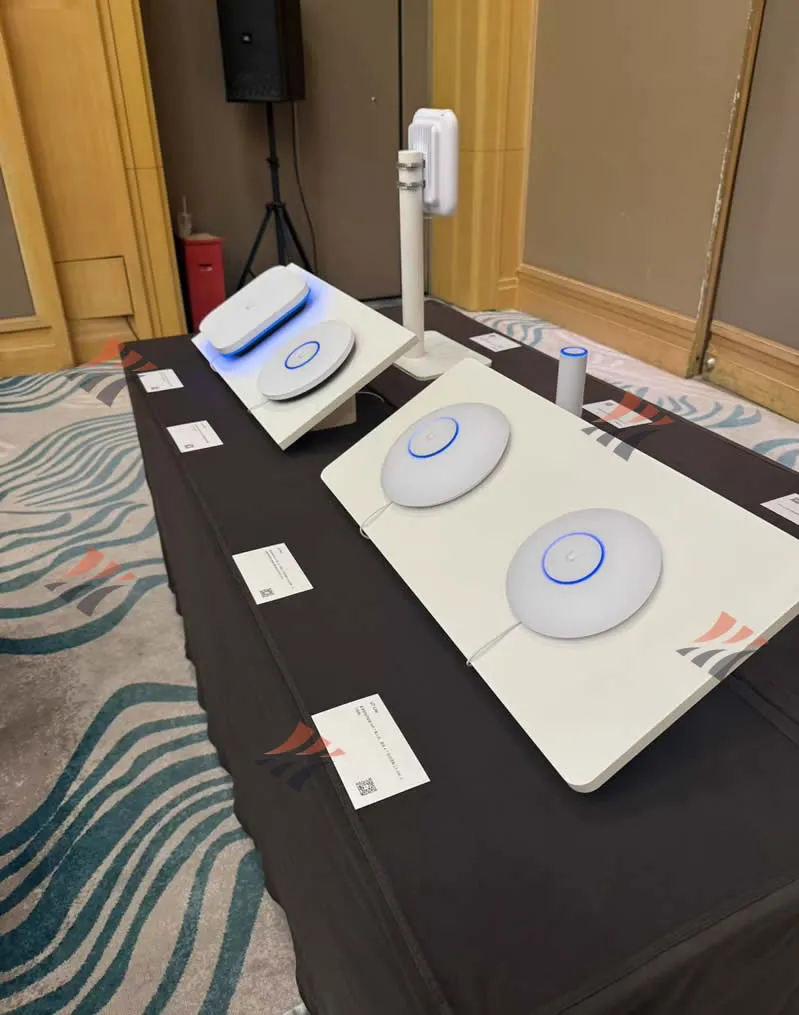
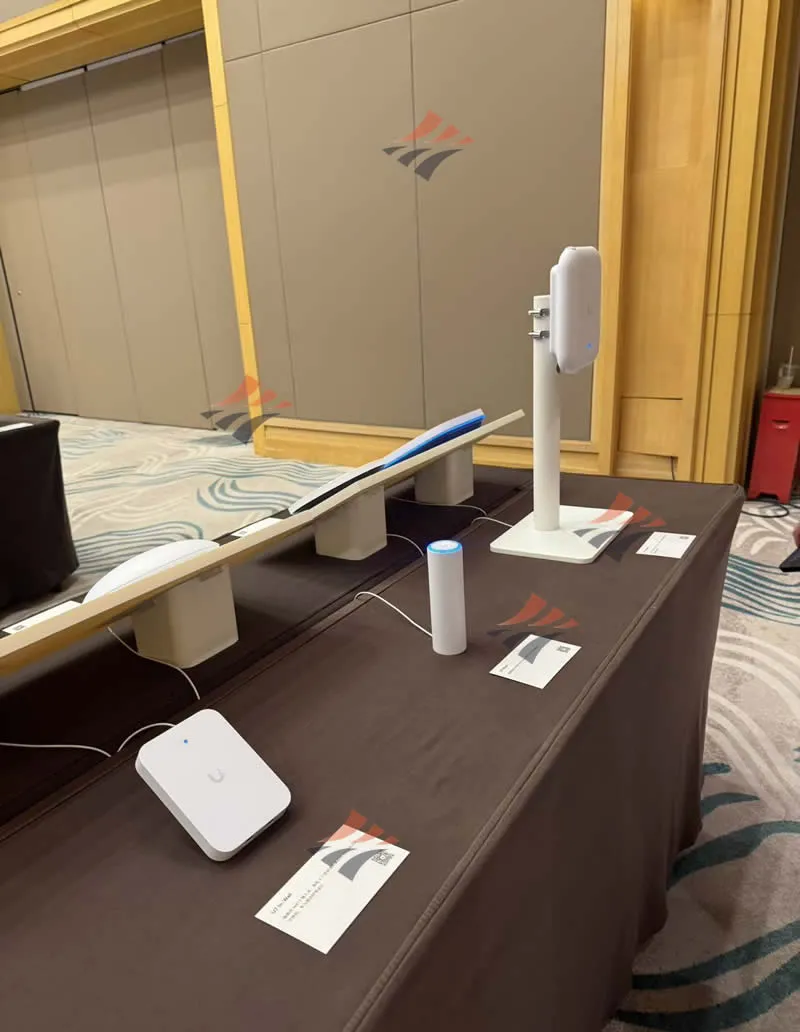
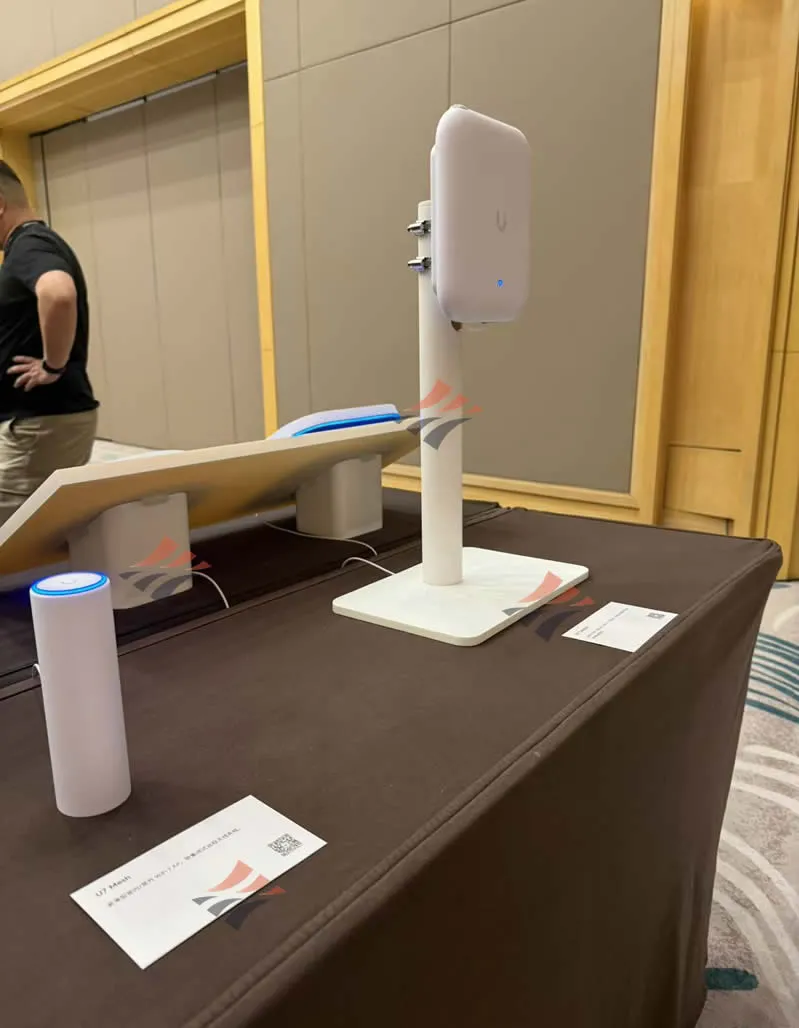
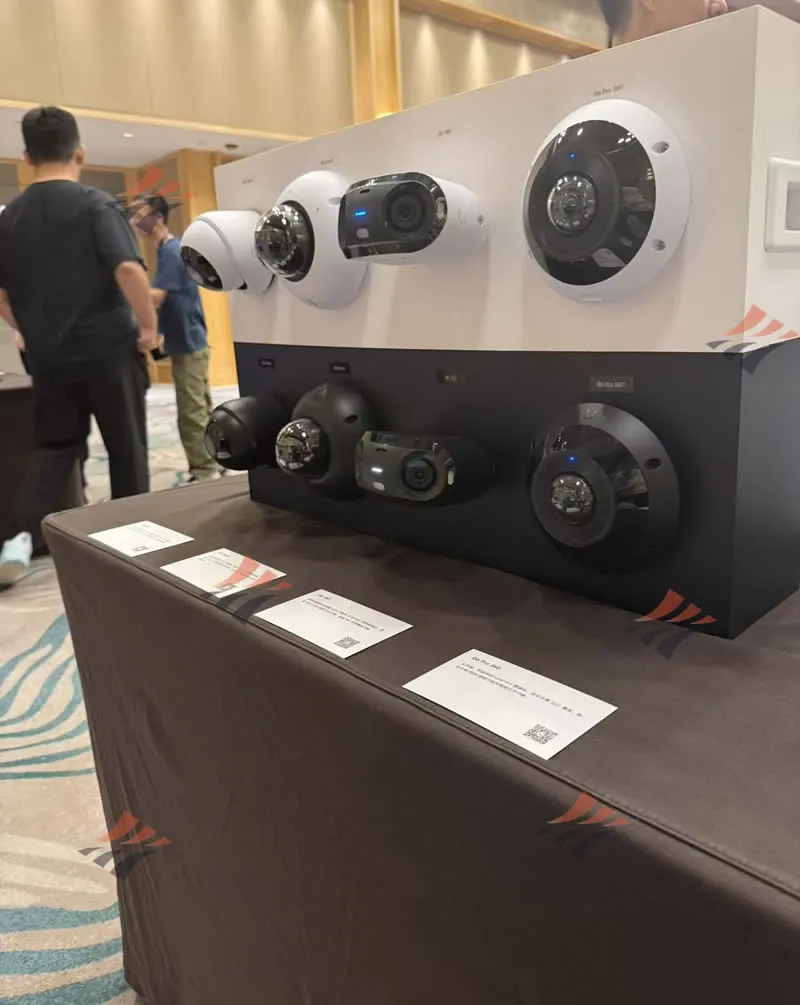
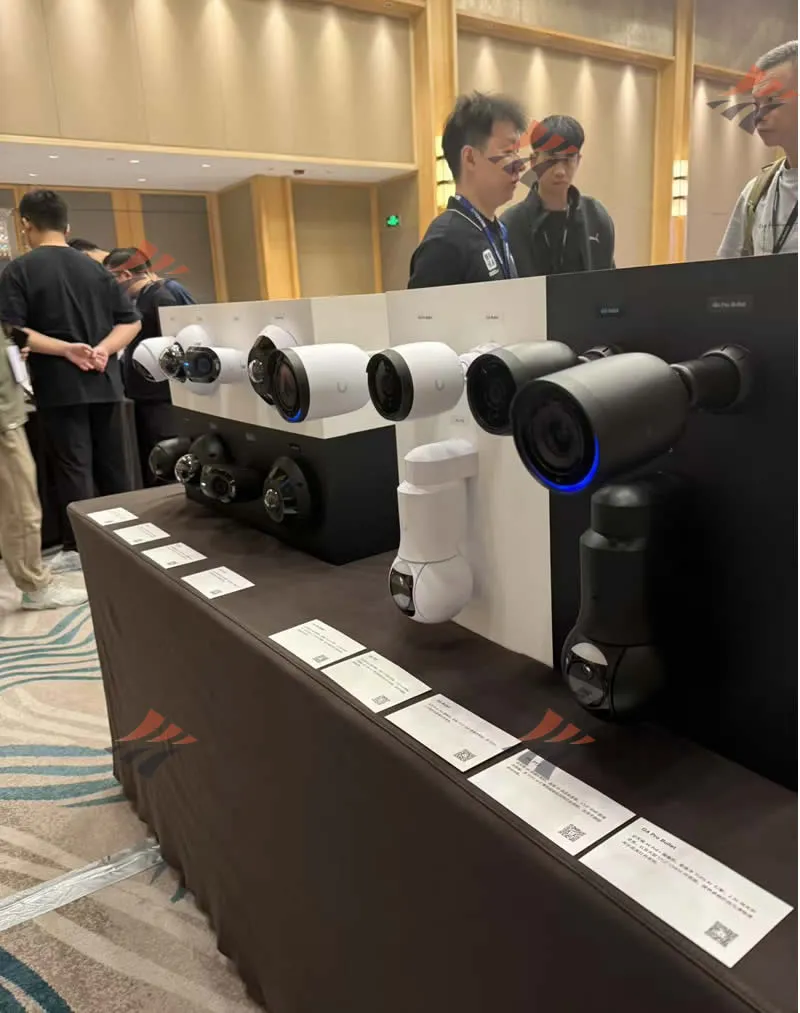
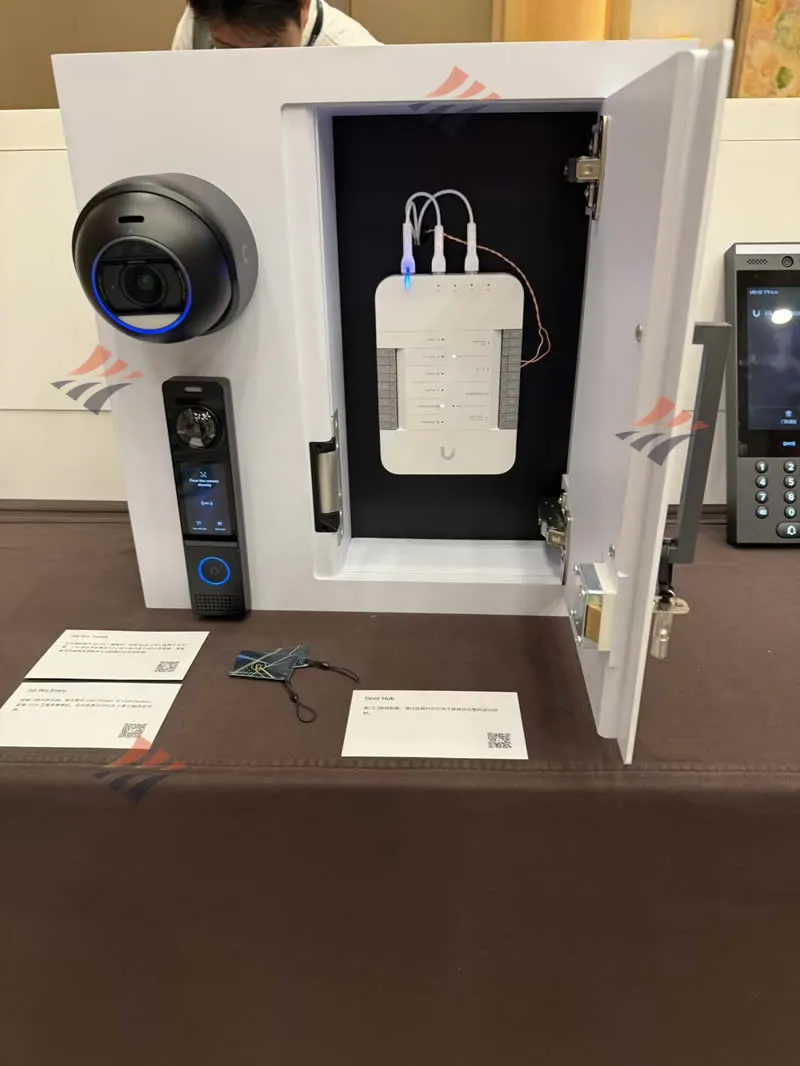
At the venue, we got hands-on with the latest hardware, including WiFi 7 Access Points, the UCG-Fiber Cloud Gateway, G6 Protect AI network cameras, and the UVC-G6-Pro-Entry smart access system. Back in our Hong Kong office, I reviewed my field notes to analyze the practical value of this ecosystem from the perspective of local engineering projects.
Conference Notes: Exchange, Trade-offs & Ecosystem
This morning's exhibition offered a combination of three distinct perspectives:
- Exchange (Defining System Boundaries): The official team detailed the positioning of the new generation of products. The questions I brought to Guangzhou were highly specific: In a Hong Kong commercial building or school project, at what scale is a single Cloud Gateway sufficient to run all applications? At what threshold must video recording be offloaded to a dedicated NVR? Which Hub should dictate access control decisions?
- Learning (Solidifying Hardware Choices): I had read the specs for U7, UCG-Fiber, G6, and Access online, but seeing them side-by-side made the trade-offs very real. For instance: 10G APs must be paired with 10G switches; before installing 4K cameras, the recording host's capacity must be evaluated; and when planning smart door readers, you must ensure the Access Hub is fully integrated.
- Experience (Seeing the Complete Ecosystem): The venue showcased the latest and most comprehensive software and hardware. "Comprehensive" here means UniFi Network, Protect, Access, seamlessly unified with Talk, Connect, and Identity. Hardware is effectively presented based on its role within the software: providing coverage, routing traffic, monitoring sites, and opening doors.
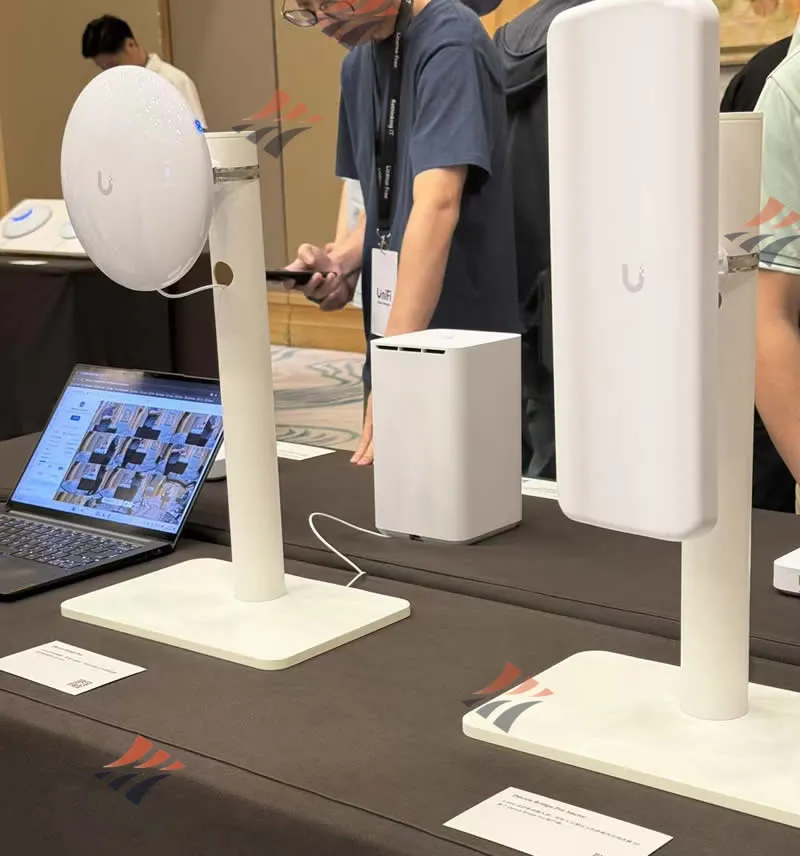
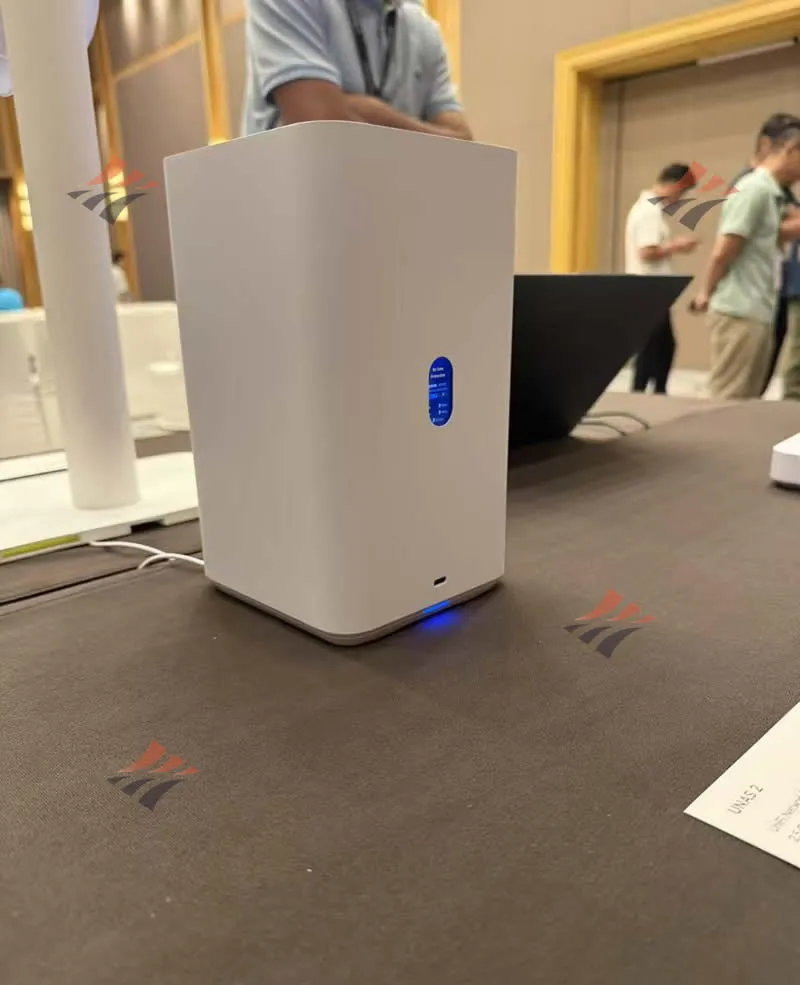
Simplifying Complexity: Why View UniFi as a Complete System?
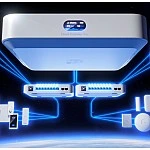
What appeals most to local IT administrators about UniFi is the concept of a "Single Pane of Glass".
Networking, video surveillance, door access, intercoms, and identity verification can all be managed centrally from one interface, while hardware can still be individually selected based on ports, PoE budgets, and deployment locations:
- UniFi Network: Manages switches, routers, WiFi, and firewalls.
- UniFi Protect: Manages surveillance and recording (footage remains stored locally, fulfilling Hong Kong corporate privacy compliance).
- UniFi Access: Manages door access, readers, and permissions.
- UniFi Talk & Connect: Unifies voice intercoms and digital signage displays under a single account architecture.
- UniFi Identity: Unifies personnel identity management. Multiple sites can be monitored centrally via Site Manager, and inter-office SD-WAN connections can be effortlessly established using Site Magic.
Hong Kong Practical Blueprint: Building a Modern Site in 4 Dimensions
If we are to design a standard commercial office or independent site in Hong Kong, we can utilize four categories of equipment to answer four core questions: Where does traffic enter? How do we connect through the air? What do we see? Who is allowed in?
1. Uplink & Routing (Traffic Gateway): UCG-Fiber
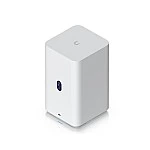
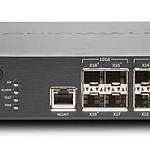
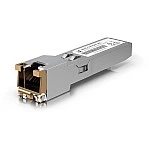
For broadband uplinks, fiber optics can connect directly to the UCG-Fiber's 10G SFP+ WAN port, while a secondary backup line can utilize 10 GbE copper. Firewalls, Multi-WAN load balancing, and remote connectivity are all seamlessly handled by this Cloud Gateway.
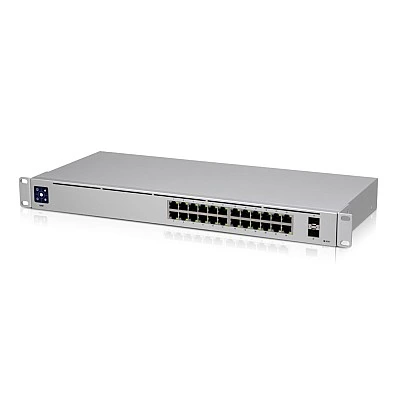
2. Switching & PoE (Core Backbone): PoE Switches and Racks
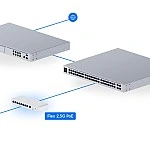
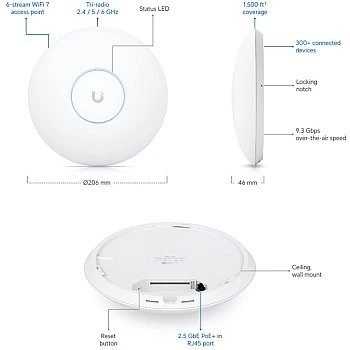
The Local Area Network (LAN) connects to PoE switches via 10G SFP+. During the planning phase, the total PoE budget must accurately account for all APs, cameras, and readers on the floor. U7 Pro class APs utilize 2.5G interfaces, whereas U7 Pro XG / XGS require 10G interface support.
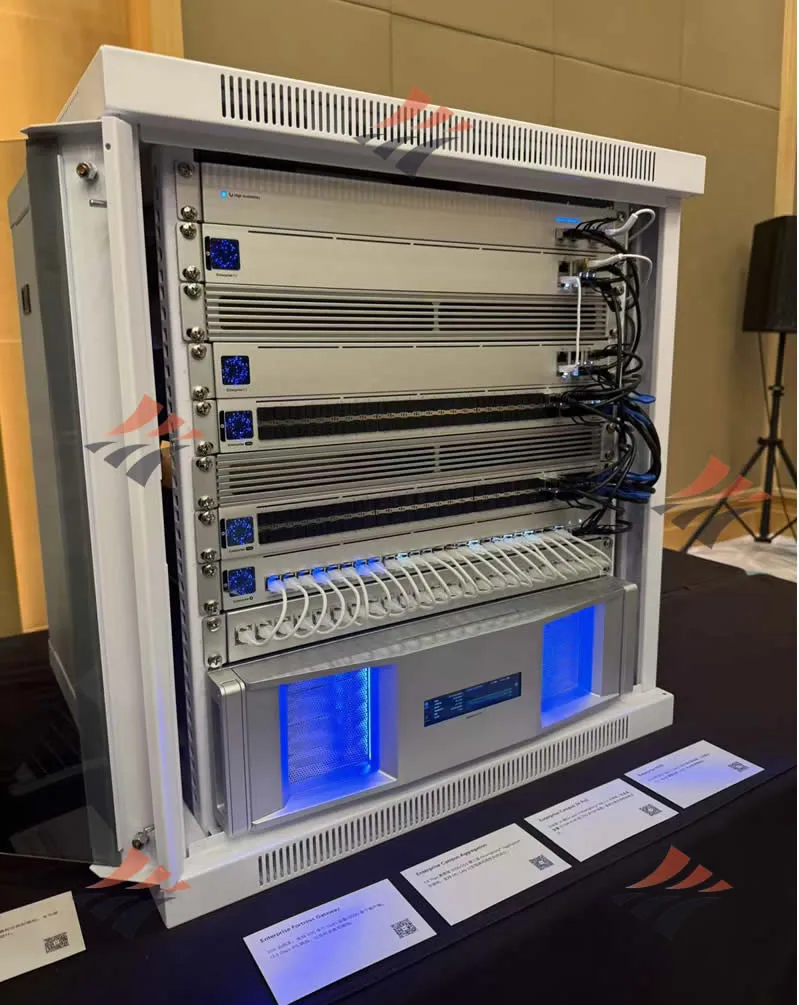
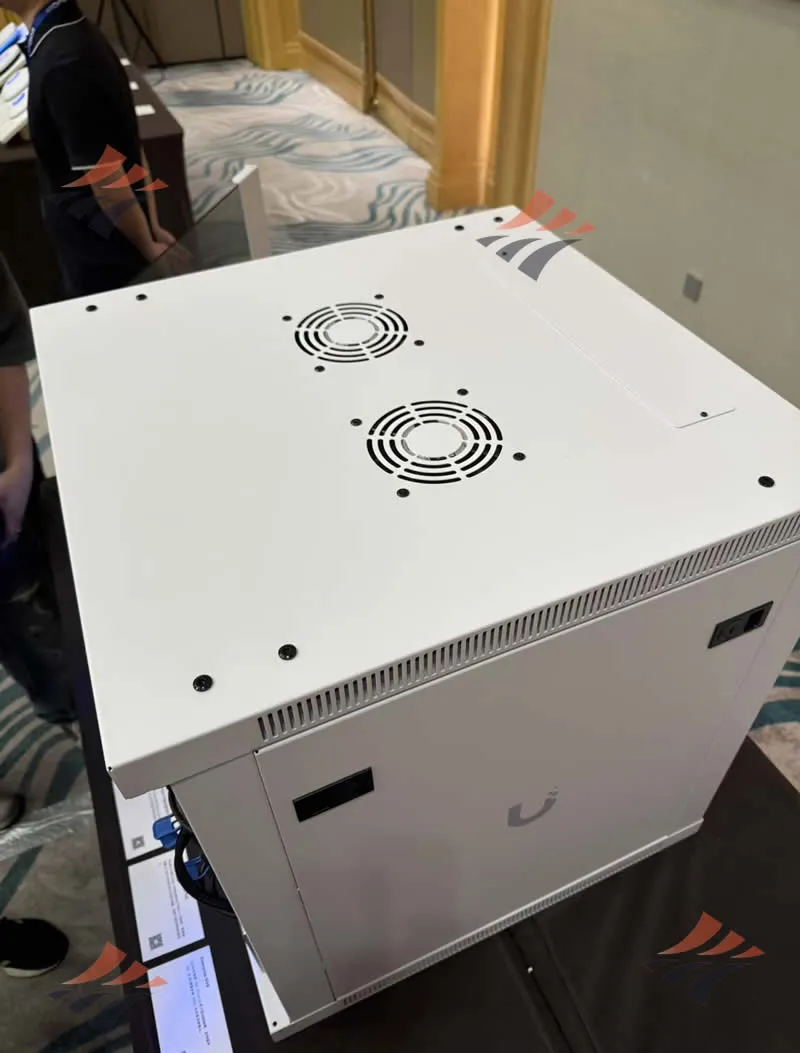
3. Wireless Space (Air Bridge): WiFi 7 AP Arrays
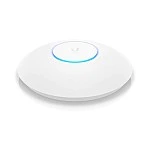
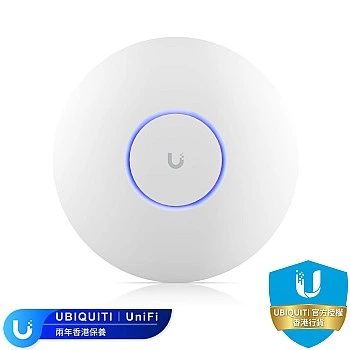
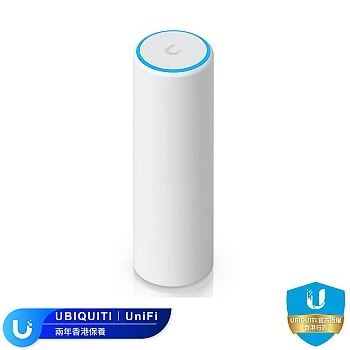
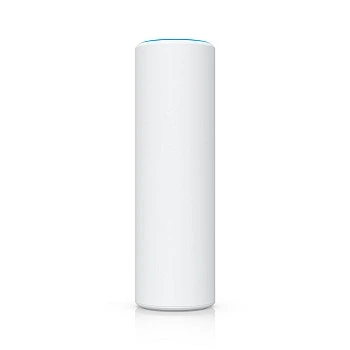
Office layouts in Hong Kong are highly variable. Generally, ceiling coverage is anchored by the U7 Pro; high-density conference areas are upgraded to the U7 Pro Max; smaller enclosed rooms utilize the U7 Lite or In-Wall models; while outdoor terraces require dedicated outdoor form factors.
4. Vision & Security (Surveillance & Access): G6 AI Cameras & Access System
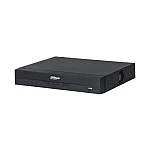
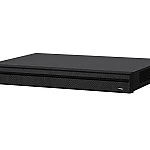
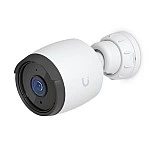
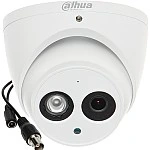
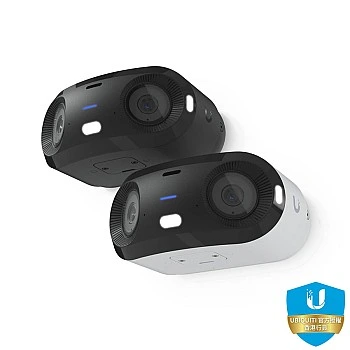
Corridors and perimeters are secured using G6 Bullet, G6 Turret, or G6 Pro cameras. For lower camera counts, footage can be recorded directly onto the NVMe drive of the UCG-Fiber; however, exceeding roughly five 4K camera streams will necessitate a dedicated NVR.
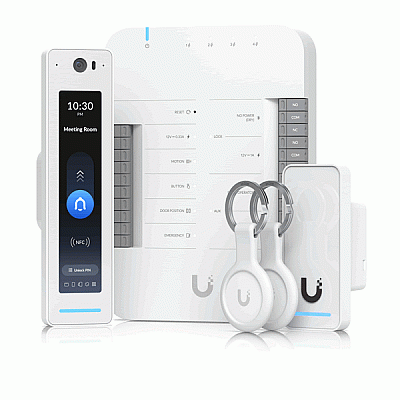
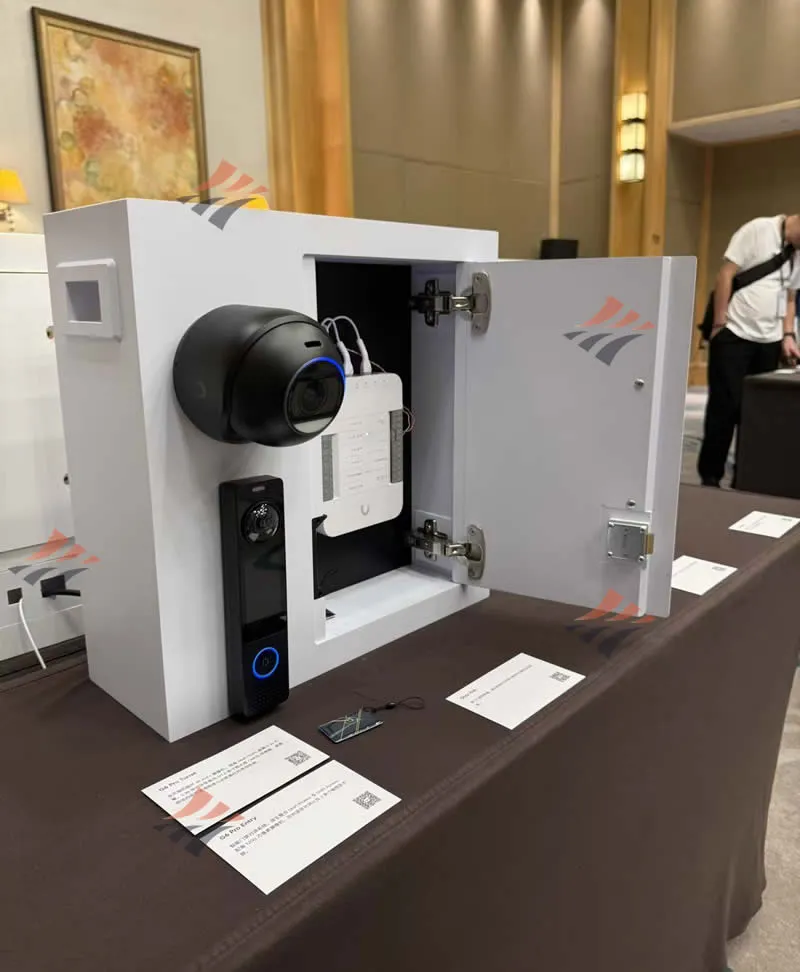
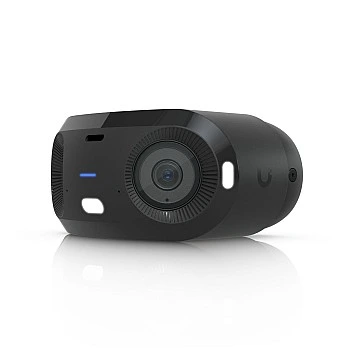
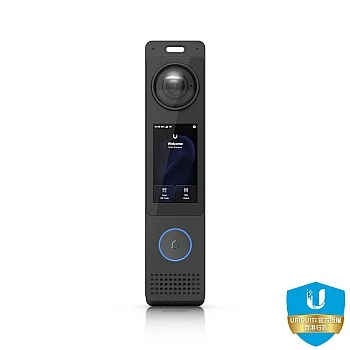
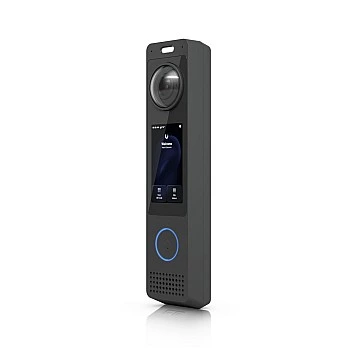
The entrance serves as the first line of defense. We recommend installing the G6 Pro Entry paired with a Door Hub or Door Hub Mini. This device integrates access control and surveillance—supporting facial recognition, card swiping, and intercom features—while simultaneously broadcasting its feed into Protect. User privileges are centrally managed via UniFi Identity, allowing a single credential ecosystem to span multiple branches across Hong Kong or overseas.
Hong Kong Project FAQ: Common Client Questions
Is Hin Kwong an authorized Ubiquiti distributor in Hong Kong?
Yes. Hin Kwong is an officially authorized Ubiquiti reseller and UniFi distributor in Hong Kong. We focus on providing authentic, locally authorized UniFi products, alongside one-stop engineering solutions for networking, CCTV surveillance, and access control systems.
What exactly is the UCG-Fiber?
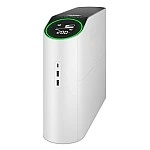
The UCG-Fiber (UniFi Cloud Gateway Fiber) is a desktop-sized 10G cloud gateway. It features default WAN options of 10G SFP+ and 10 GbE RJ45, while the LAN side provides a 10G SFP+ port alongside four 2.5 GbE ports. It boasts an IDS/IPS throughput of up to 5 Gbps, and a single unit is powerful enough to run the entire UniFi software suite.
What are the breakthroughs of the UniFi Protect G6 cameras?
The G6 represents the sixth generation of UniFi Protect AI network cameras. Equipped with high-compute (multi-TOPS) edge AI engines, they deliver highly accurate detection for humans, vehicles, faces, and license plates. Because all video footage is retained on local storage managed by Protect, there are no cloud-leakage risks, making them perfect for Hong Kong enterprises with strict data privacy requirements.
Is the UVC-G6-Pro-Entry a camera or a door access reader?
It is both. The G6 Pro Entry functions as a smart door reader while also serving as an AI surveillance camera. It features a 12MP main lens and a 3-inch touchscreen display, supporting facial recognition, NFC, PIN codes, QR codes, and mobile unlocking. To unlock its full access control capabilities, it must be paired with an Access Hub and run simultaneously on both Protect and Access applications.


Leave a comment