








- Stock: Out Of Stock remaining
- Brand: Brother
- Model: MFC-L3760CDW
● Unopened items can be returned/exchanged within 7 days. Please note that online payment transaction fees are non-refundable.
● No returns or exchanges for opened items, except for quality issues.
● If you have any inquiries, please Contact Us.
Disclaimer : Product specifications and features are subject to the original manufacturer's official announcements. Users assume all risks of use; our company shall not be held liable for any legal issues arising from product usage.
● Warranty: All items are covered by the original manufacturer or official distributor. For inquiries, please contact us or the relevant brand directly with your official receipt.
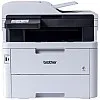
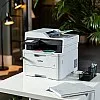
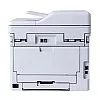
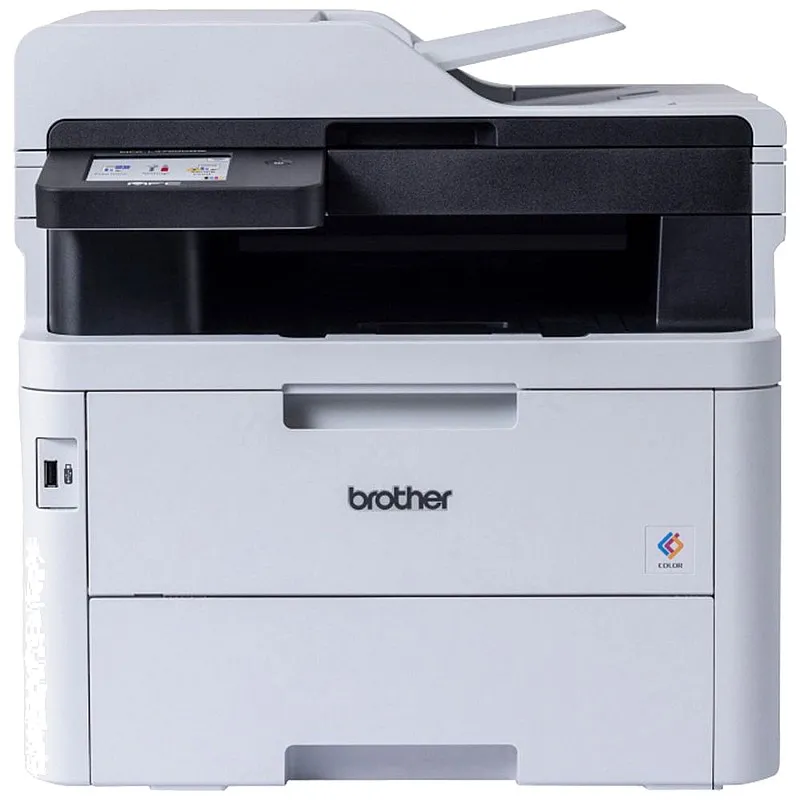
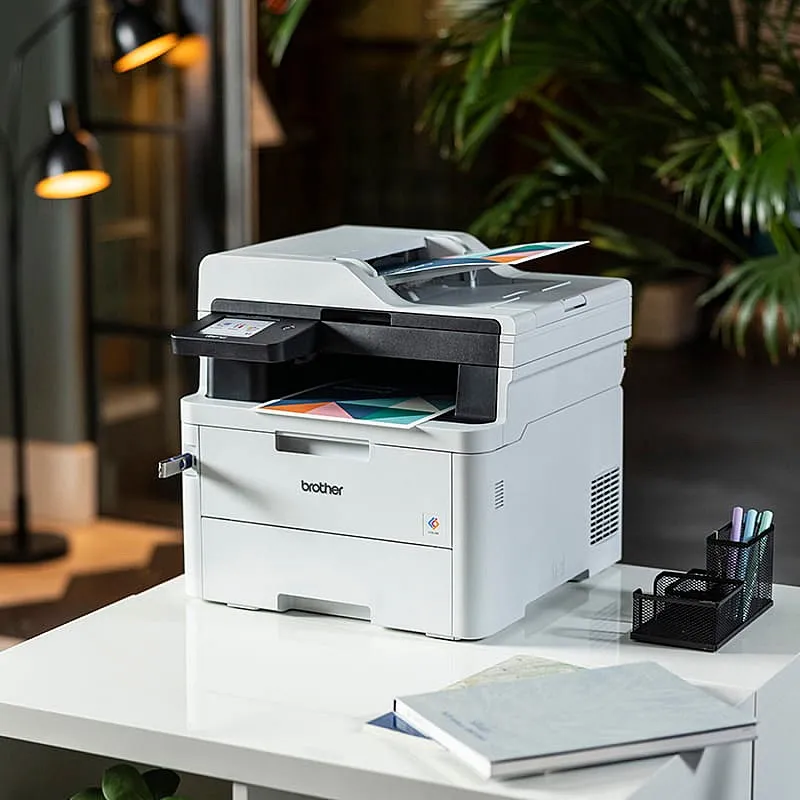
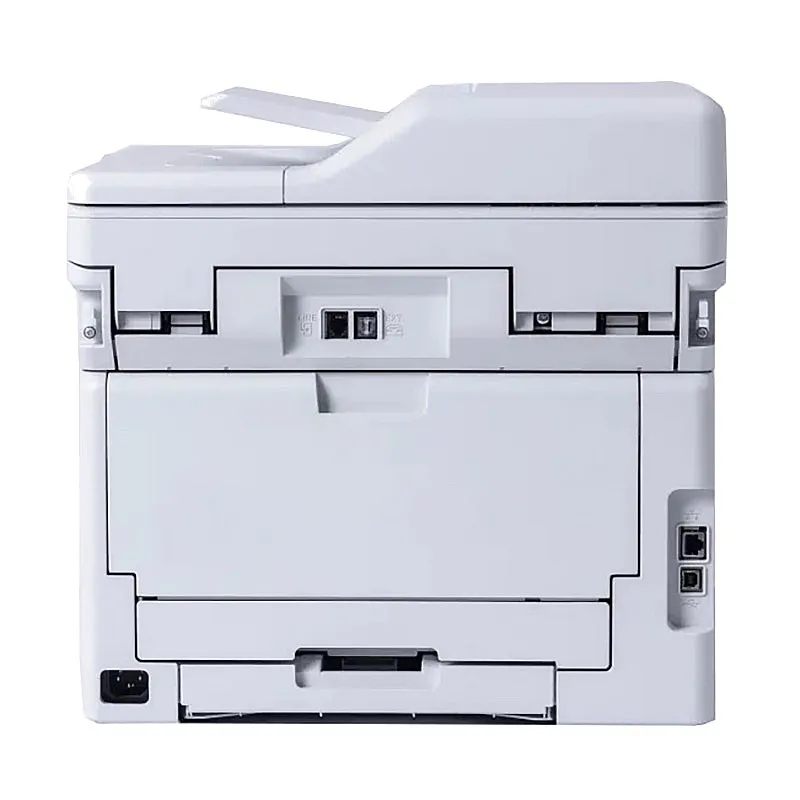
Brother MFC-L3760CDW Colour LED 4-in-1 Multifunction Printer
Authorized Goods The Brother MFC-L3760CDW is a compact colour LED multifunction printer built for Hong Kong flats and small offices, combining print, copy, scan and fax in one chassis that fits neatly on a desk corner.
Print colour documents at up to 26 pages per minute and auto-duplex at up to 10 sides per minute, with an 8.8cm colour touchscreen for everyday jobs. Drivers are available for Windows, macOS (including Apple Silicon) and ChromeOS, so it slots into both office PCs and home MacBooks.
Positioning
The Brother MFC-L3760CDW is a compact all-in-one colour LED solution for Hong Kong study rooms, small teams and clinic receptions. Print, copy, scan and fax are all covered without buying a separate machine for each task.
Key Specs
Colour print up to 26 pages per minute, auto-duplex up to 10 sides per minute, scan up to 21 images per minute. Operated via an 8.8cm colour touchscreen, with drivers for Windows, macOS and ChromeOS.
Use Cases
Suited to households printing the occasional colour quotation, flyer or school worksheet, and to small offices with moderate daily volume. Duplex printing saves paper, while scanning helps digitise paper contracts for filing.
Buying Notes
Check that your desk has enough space and a nearby power socket before ordering. Toner is a consumable and can be replaced later. Authorized Goods; warranty follows the manufacturer's official terms — ask Hinkwong if unsure.
Specifications
| Brand | Brother |
|---|---|
| Model | MFC-L3760CDW |
| Category | Colour LED 4-in-1 multifunction printer (print / copy / scan / fax) |
| Colour Print Speed | Up to 26 pages per minute |
| Auto Duplex Print | Up to 10 sides per minute |
| Scan Speed | Up to 21 images per minute |
| Control Panel | 8.8cm colour touchscreen |
| Supported OS | Windows, macOS (incl. Apple Silicon), ChromeOS |
| Warranty Period | Per Brother Hong Kong official terms |
FAQ
Is the Brother MFC-L3760CDW fast enough for a small office?
Official figures list colour print at up to 26 pages per minute and auto-duplex at up to 10 sides per minute — enough for everyday documents, quotations and worksheets in a small office or home study.
Which drivers does the Brother MFC-L3760CDW use? Does it support Mac and ChromeOS?
Brother's official download page provides drivers and software for Windows, macOS (including Apple Silicon) and ChromeOS, available from the Downloads section of the website by operating system.
How fast does the Brother MFC-L3760CDW scan, and is it good for digitising paper documents?
Official specifications list scanning at up to 21 images per minute, with the 8.8cm colour touchscreen making it practical to scan contracts and receipts for archiving.
What should I do when the Brother MFC-L3760CDW toner runs out?
Toner is a consumable and can be replaced. When buying replacement cartridges, match them to the MFC-L3760CDW model to ensure correct operation.
Is the Brother MFC-L3760CDW Authorized Goods, and what about warranty?
Units sold by Hinkwong are Authorized Goods with access to official drivers and software. The actual warranty period follows Brother Hong Kong's official terms — feel free to ask us before ordering.
Official References
Authorized Goods; specifications per manufacturer.
Brother MFC-L3760CDW
Reviews Over Brother MFC-L3760CDW
Average Rating:
Total Reviews (0)