
















- Stock: 2 remaining
- Brand: APC
- Model: AP9620
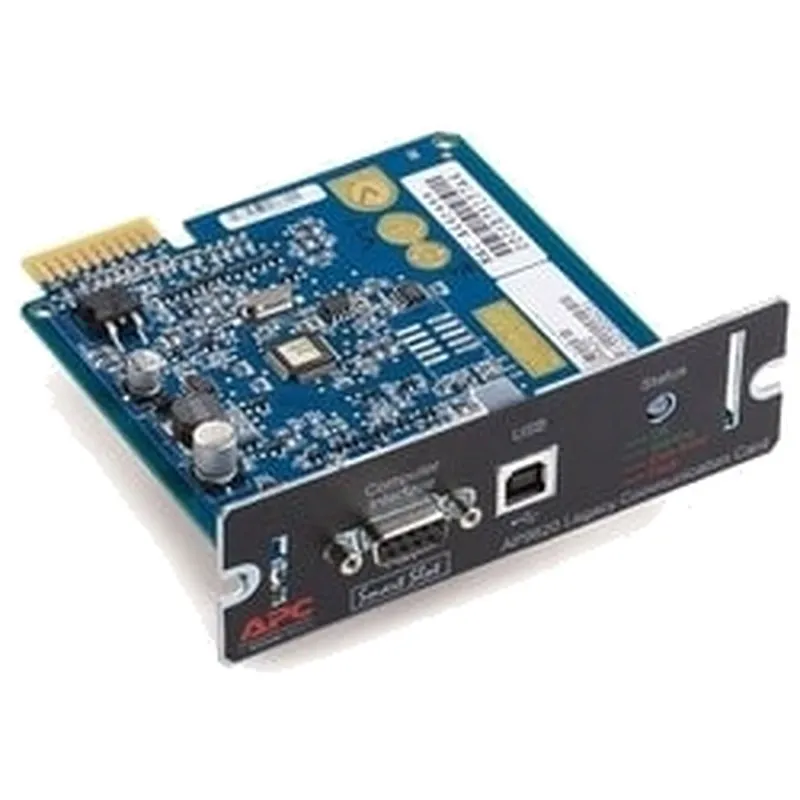
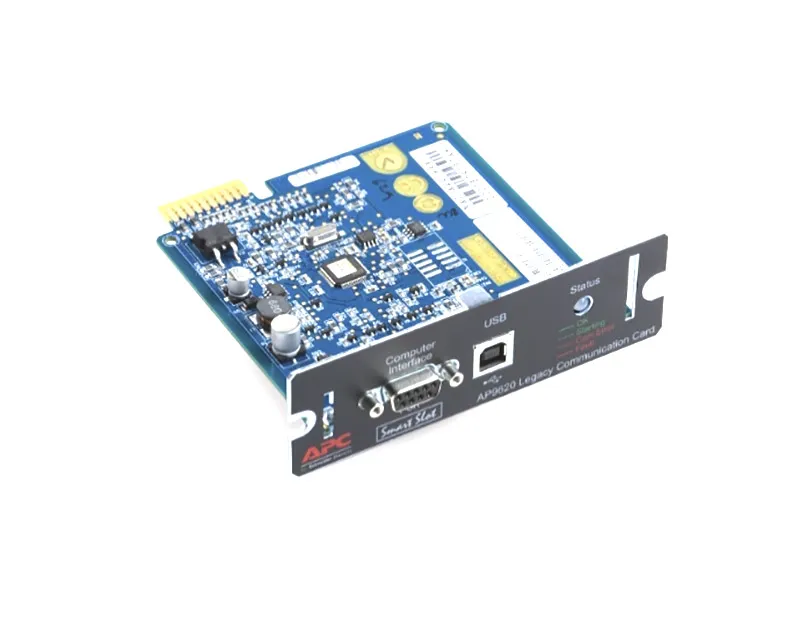
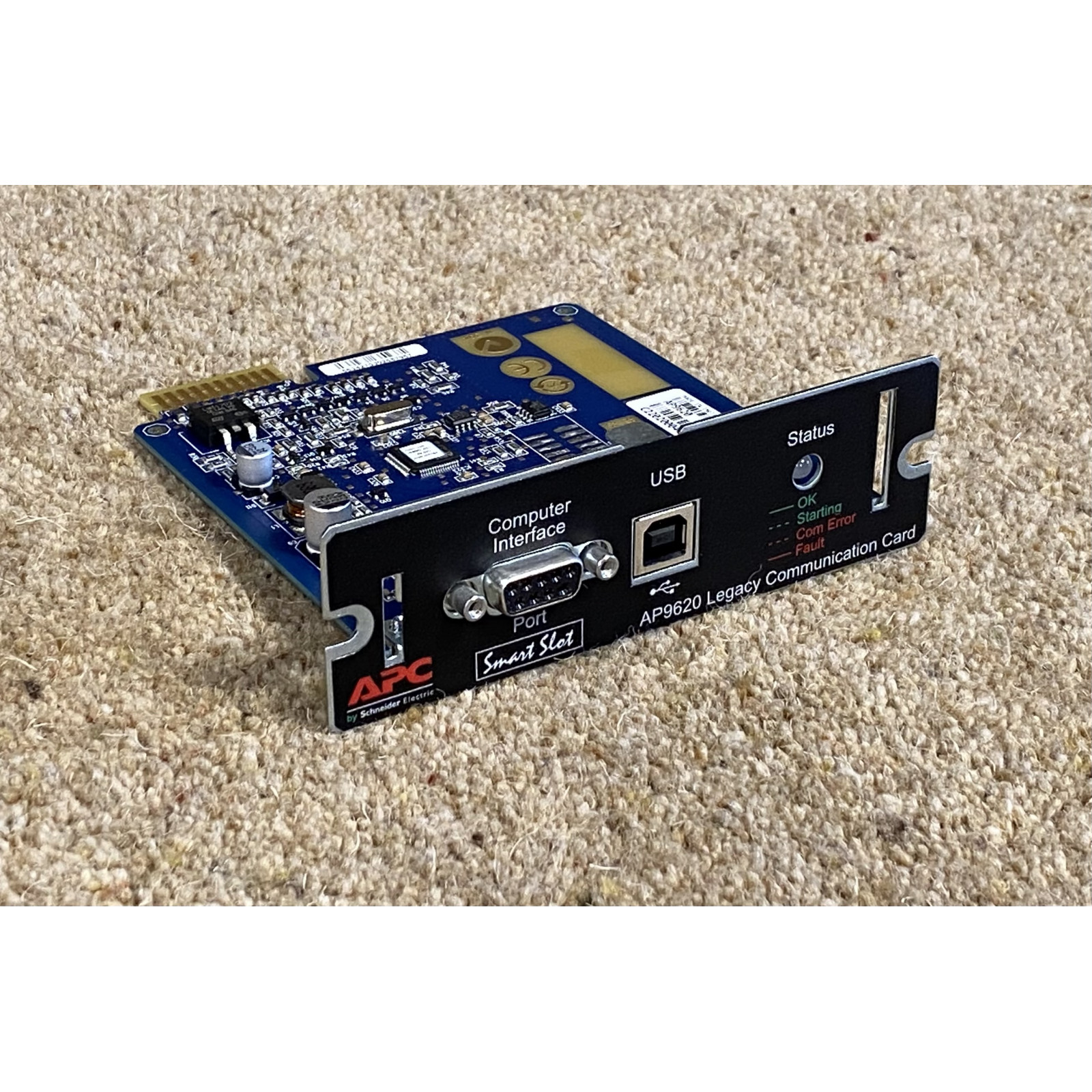
APC Network Management Card 2 (AP9620) — Adds SNMP/Web Remote Management to Smart-UPS
APC Network Management Card 2 (AP9620) is an APC original SmartSlot communication card for Smart-UPS systems, enabling remote monitoring and event notification via SNMP, web interface, and email. For Hong Kong offices, SME server rooms, and home labs, the AP9620 lets administrators check UPS status and alerts without being physically present at the unit.
Part of the Legacy Communications SmartSlot Card family, it provides SNMP/Web management through a SmartSlot interface and can be used with APC PowerChute software (features depend on UPS model and firmware). Supported protocols, ports, and management functions are subject to the official APC specifications and documentation.
Key Features
 Remote UPS Monitoring
View input voltage, load, battery status, and event logs of APC Smart-UPS via SNMP or web interface — ideal for unattended SME server rooms in Hong Kong.
 Real-time Alerts & Notifications
On power failure, overload, or battery replacement needs, the AP9620 can send email or SNMP trap notifications so IT staff can respond quickly and reduce downtime risk.
Designed for the SmartSlot bay of APC Smart-UPS, easy to install with no extra power supply; check APC official compatibility list for supported models.
SNMP support allows UPS status to be integrated into common network monitoring systems (NMS) used in Hong Kong offices, unifying power and network device management.
Hardware Specifications
| Brand | APC |
| Model | AP9620 |
| Product Type | Network Management Card 2 (SmartSlot communication card) |
| Interface | SmartSlot |
| Management Protocols | SNMP, Web (per manufacturer specifications) |
| Compatible Models | APC Smart-UPS with SmartSlot (compatibility list per manufacturer) |
| Package Contents | Per original packaging |
FAQ
Q: Is the APC AP9620 Hong Kong official stock? What about warranty?
A: This APC AP9620 network management card is supplied as Hong Kong official stock by authorized dealer Hinkwong; warranty period and terms are per manufacturer/distributor announcement — please ask in store for details.
Q: Which Hong Kong users or scenarios is the APC AP9620 suitable for?
A: It suits Hong Kong offices, SME server rooms, server racks, and home labs that need remote monitoring of APC Smart-UPS, allowing administrators to check status and alerts without visiting the UPS location.
Q: Does the APC AP9620 require extra configuration after installation? Is a controller needed?
A: The AP9620 plugs directly into a SmartSlot bay on a compatible APC Smart-UPS; network settings (IP, SNMP community, etc.) must be configured per manufacturer instructions. Generally no extra controller is needed; refer to APC official documentation for exact steps.
Q: Can the APC AP9620 be used with other APC accessories or software?
A: The AP9620 can be used with APC PowerChute software and SNMP monitoring systems; when paired with same-brand Smart-UPS series (e.g., SMT, SUA models with SmartSlot), features depend on UPS model and firmware — see the manufacturer compatibility list for details.
Authorized Goods. Specifications subject to manufacturer.


